Open detail view
This functionality is available to you in the Eplan Platform and in the browser.
Precondition:
- You have signed in to the Eplan Cloud and are in an organization.
- Create an account if you do not have an Eplan Cloud account yet. Information on this topic is available here.
 User interface
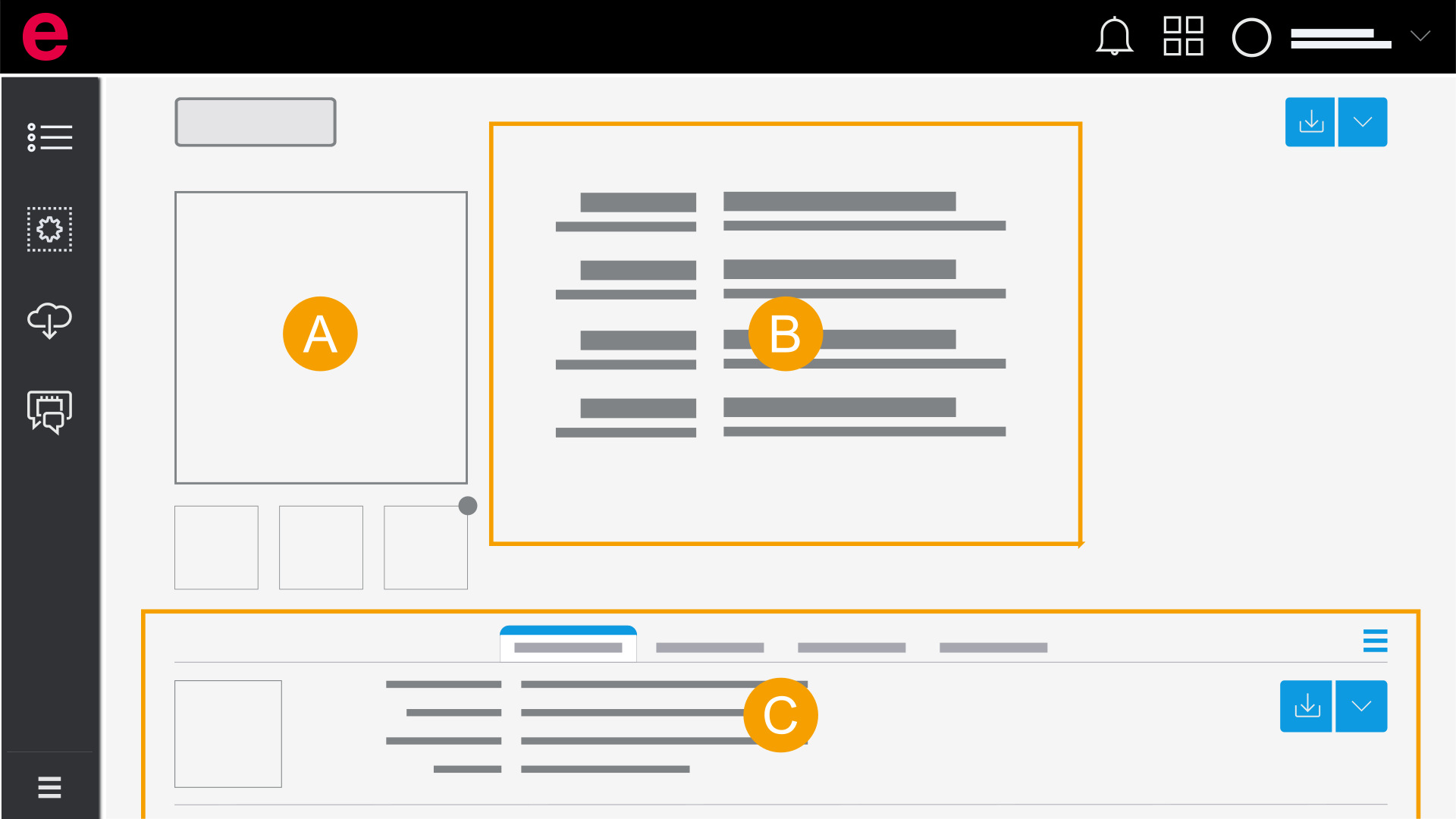
- Preview image: You have the possibility to open the macro viewer by clicking the preview image. Further information is available in Open and use Macro Viewer.
- Properties
- Accessory list: The accessories matching your selected part are displayed here.
In the parts list
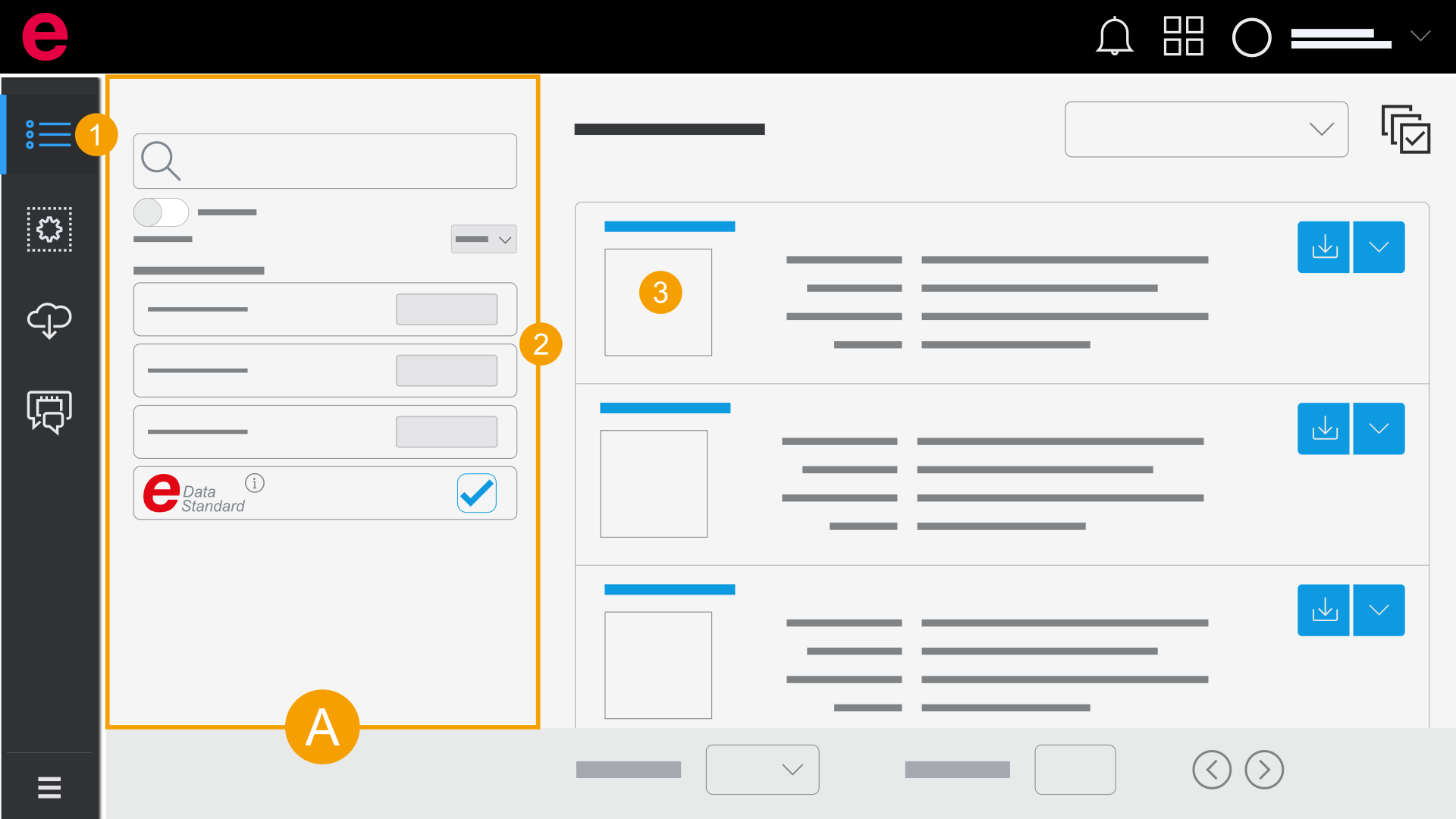
- Parts list
- Click Parts list in the navigation bar.
- Search the desired part by means of the filter. (Filter parts)
- Click the preview image at the desired part or the part number.
- The Detail view of the part is opened.
In the download list
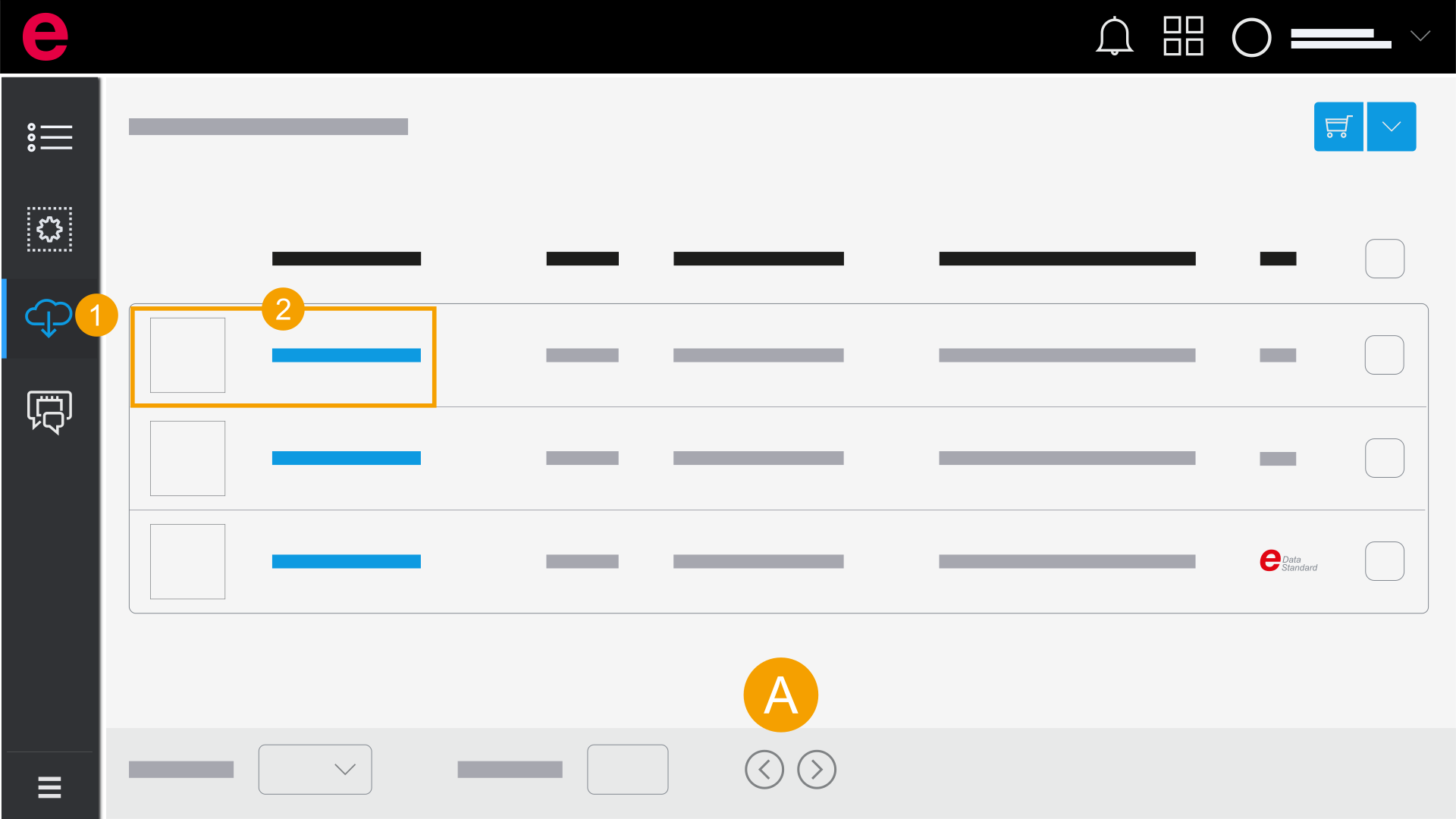
- Download list
- Click Download list in the navigation bar.
- Click the preview image at the desired part or the part number.
- The Detail view of the part is opened.