Filter and sort users
In order to obtain a better overview of the users in your organization you can sort or filter the list view.
Requirement: Open User management
 Requirements: Roles
| Area | Function | Main administrator | "Manage" |
|---|---|---|---|
| Users | |||
| Filter and sort users | x | x |
Filter an invitation by status
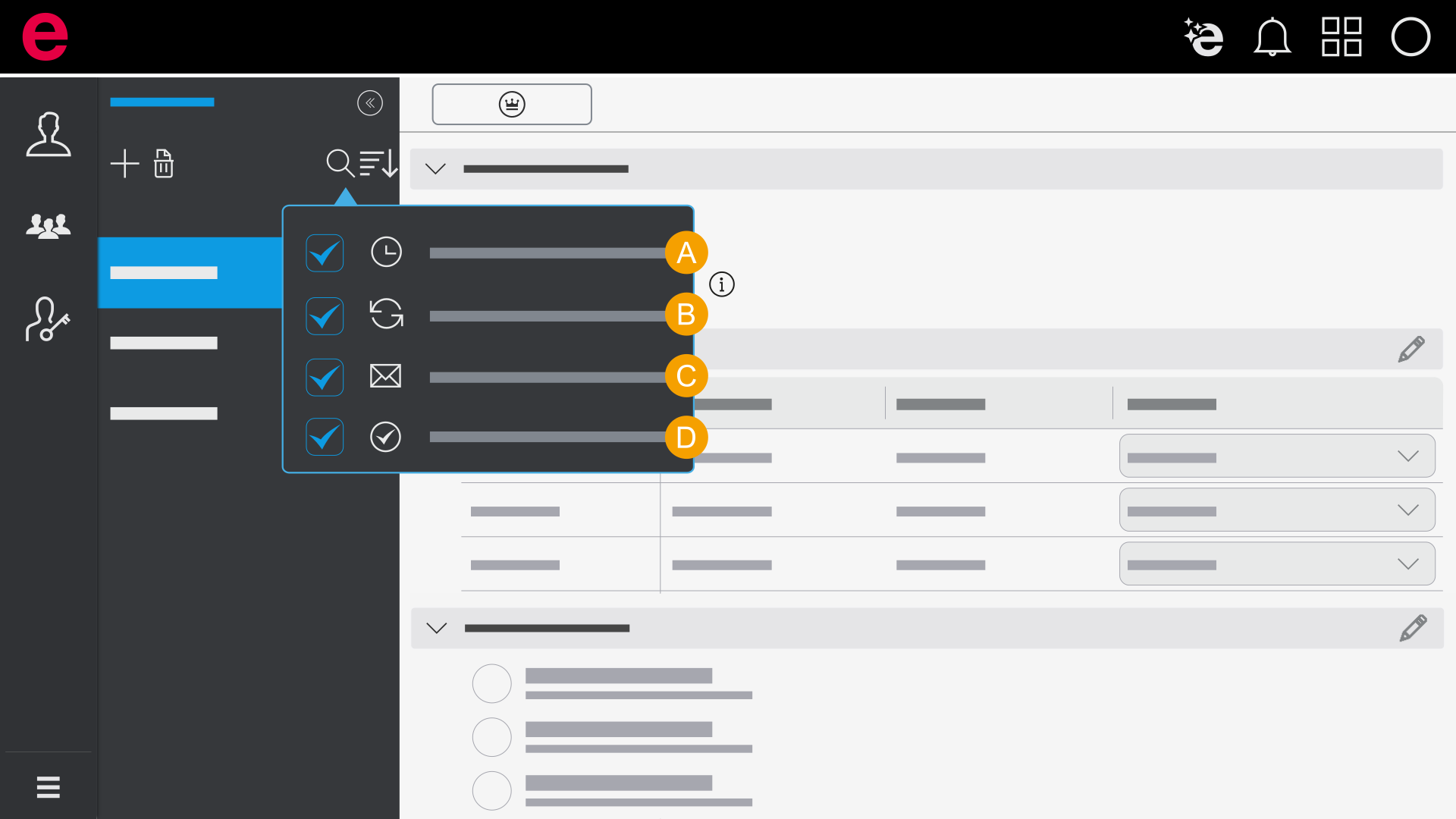
- Invitation expired
- Invitation not sent
- Open invitations
- Joined
- Click User in the navigation bar
- Click the icon

- Place the check mark at your desired filter criteria
- Click Apply
Sort users
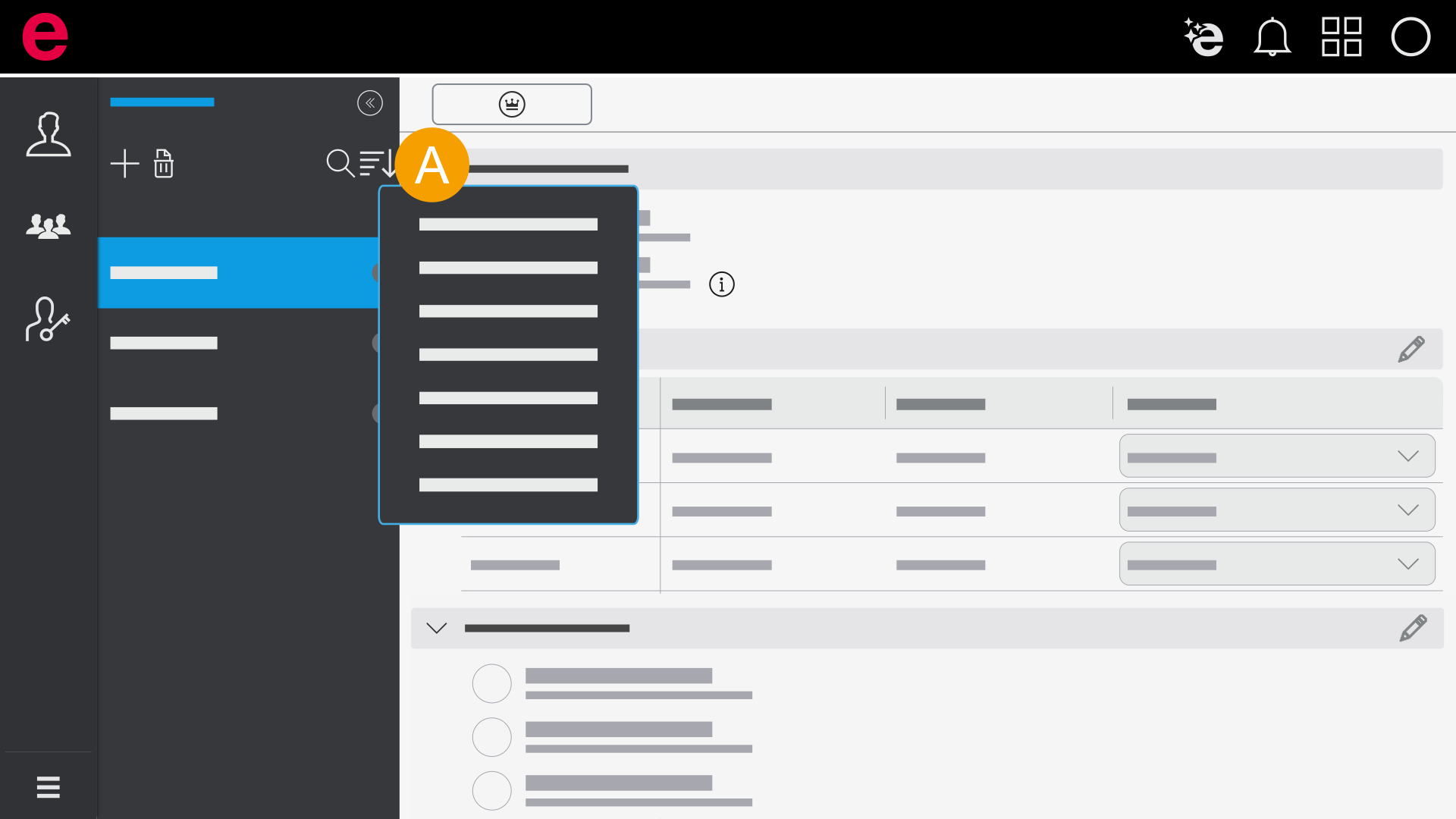
- Sort by
- Click User in the navigation bar.
- Click the icon.
- Select your desired sorting criteria.
- Click Apply.
- You have changed your sorting.