Create templates
With the help of templates you can create a documentation structure that you can use again when you add a new documentation.
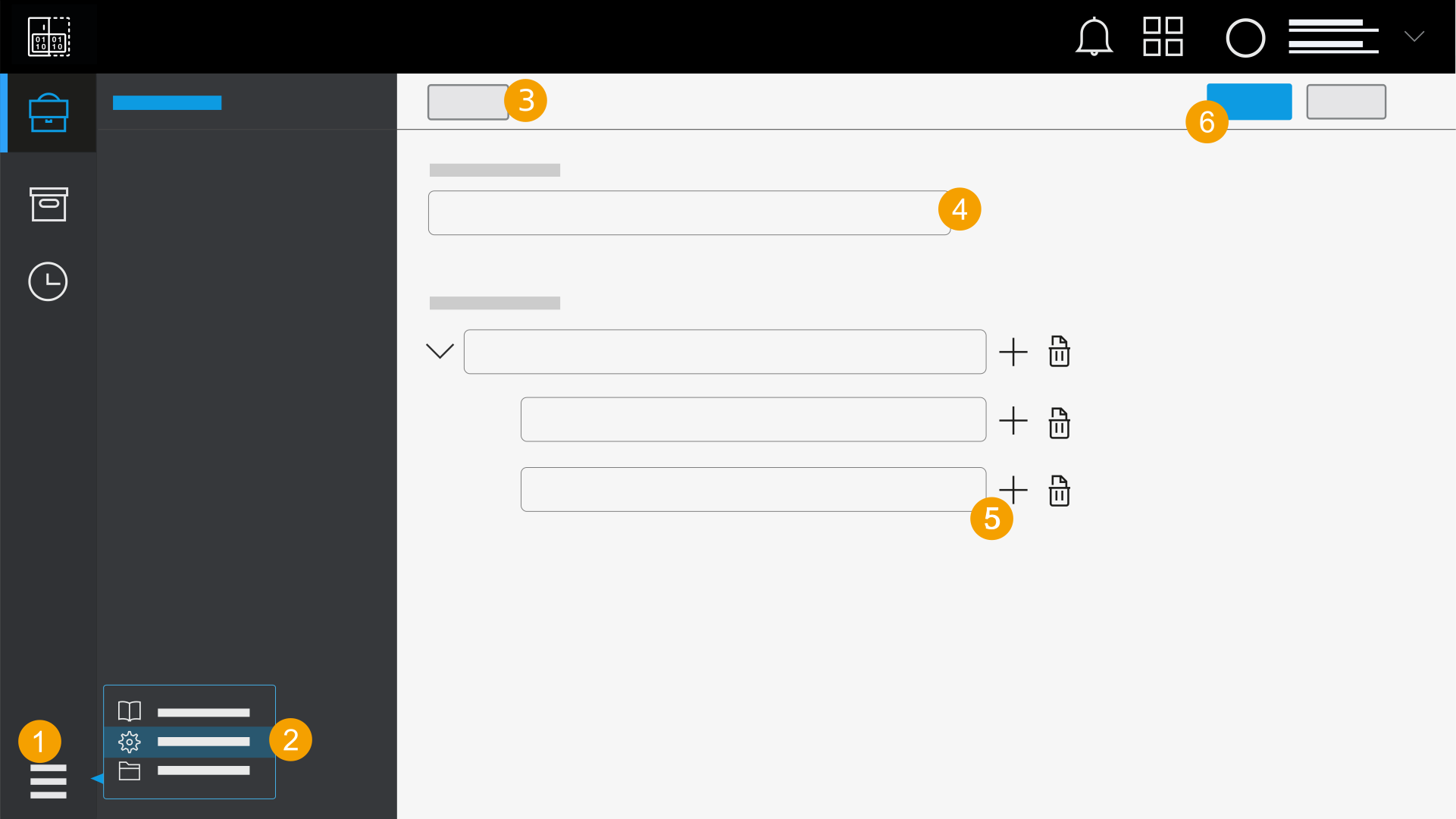
- In the navigation bar, click the icon
 .
. - Click Settings.
- Click New template.
- Enter a name for the template.
- Create folders to structure the template.
- Click Save.
- The template is saved and is available for selection when a new documentation is added.
You must name all the folders before you save the template.