Management
The Management section provides a table that contains an overview of all documentations and additional information on each documentation. In addition, the inbox is also available in Management. Your inbox contains documentation that was sent to you.
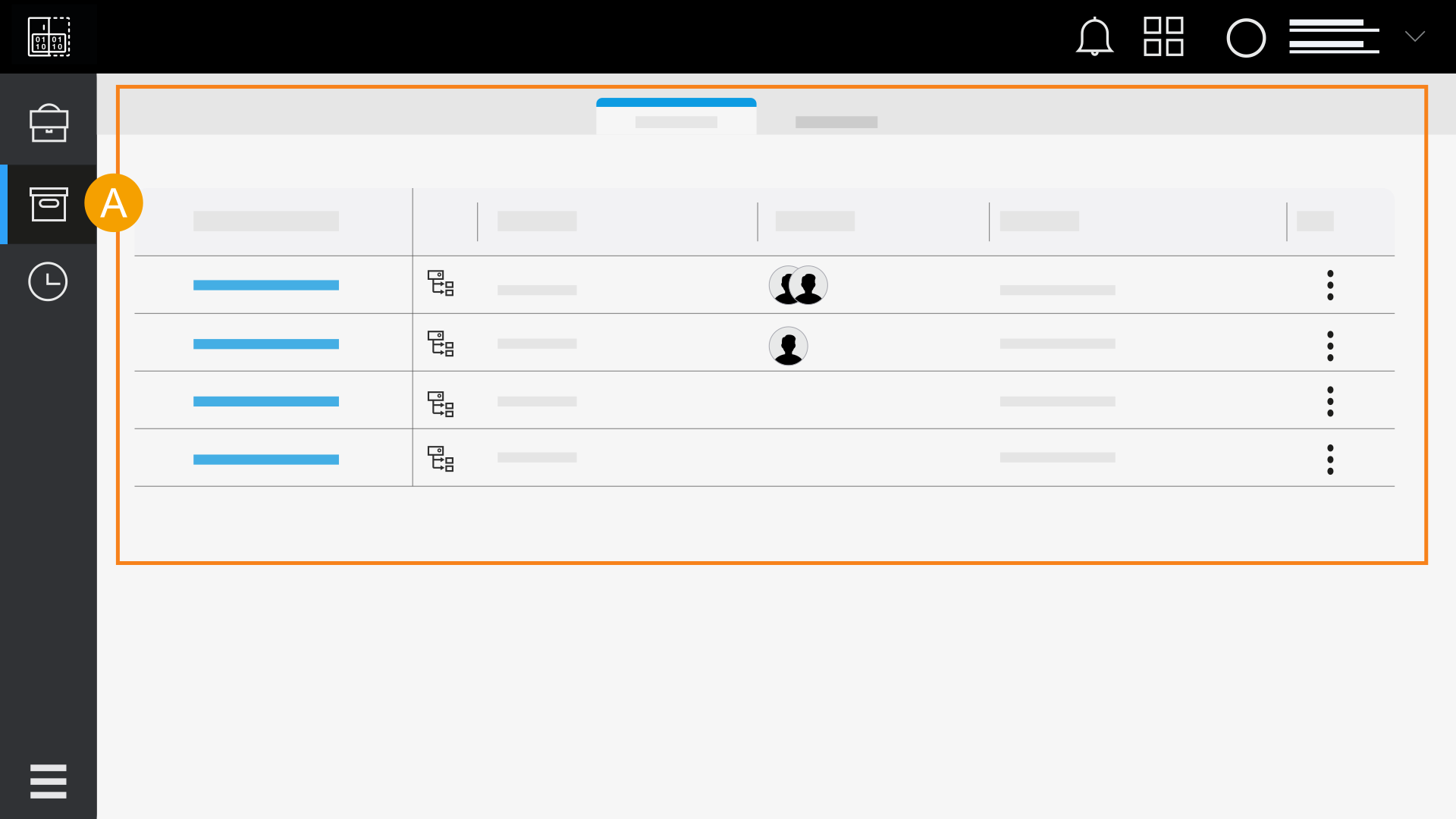
- Management
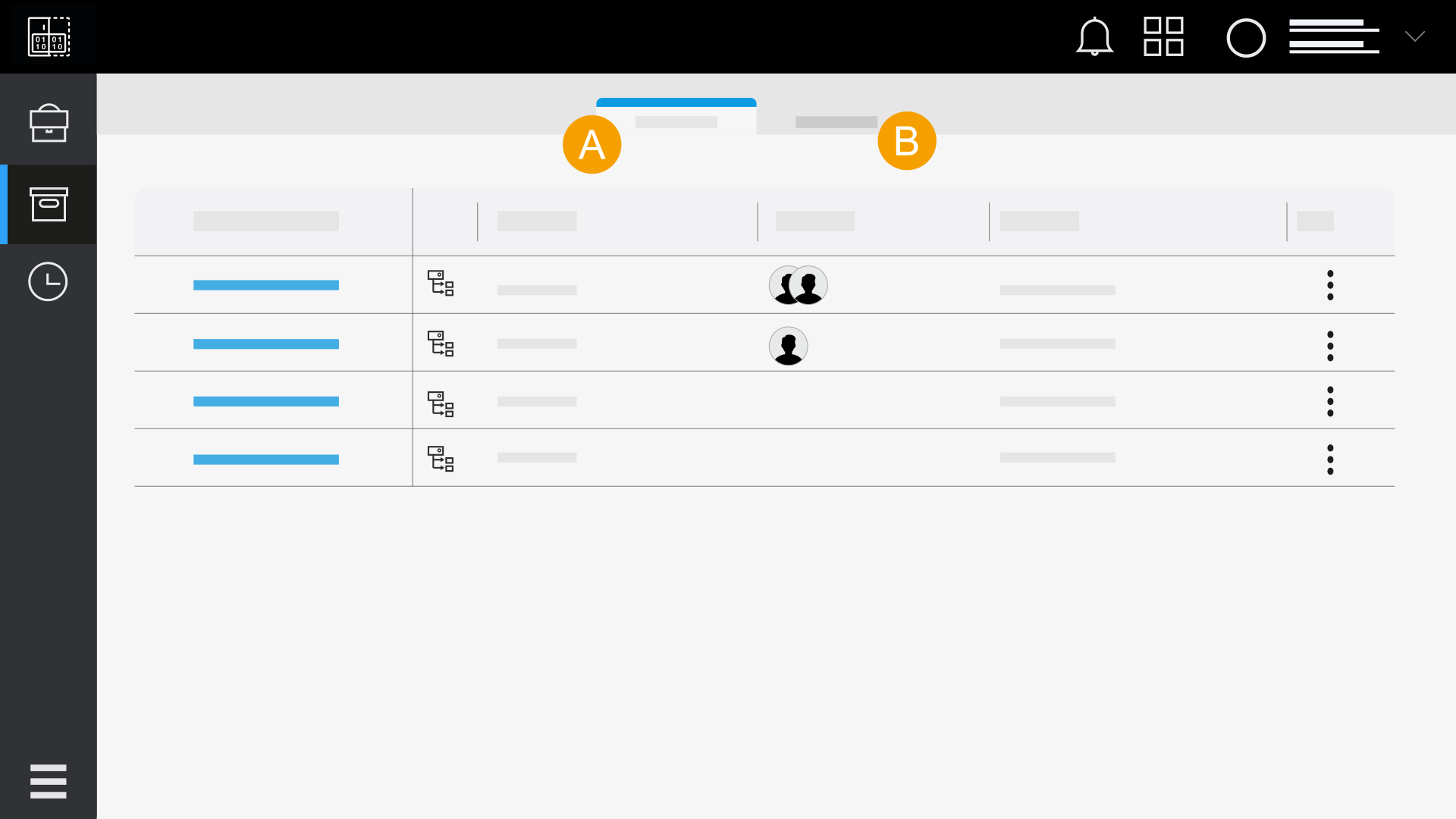
- Documentation area
- Inbox area
The Location column shows all parent locations of the documentation. If the documentation has not been assigned to a location, the name of the documentation is displayed here.
Actions
The scope of the available actions depends on the role you have in the organization.
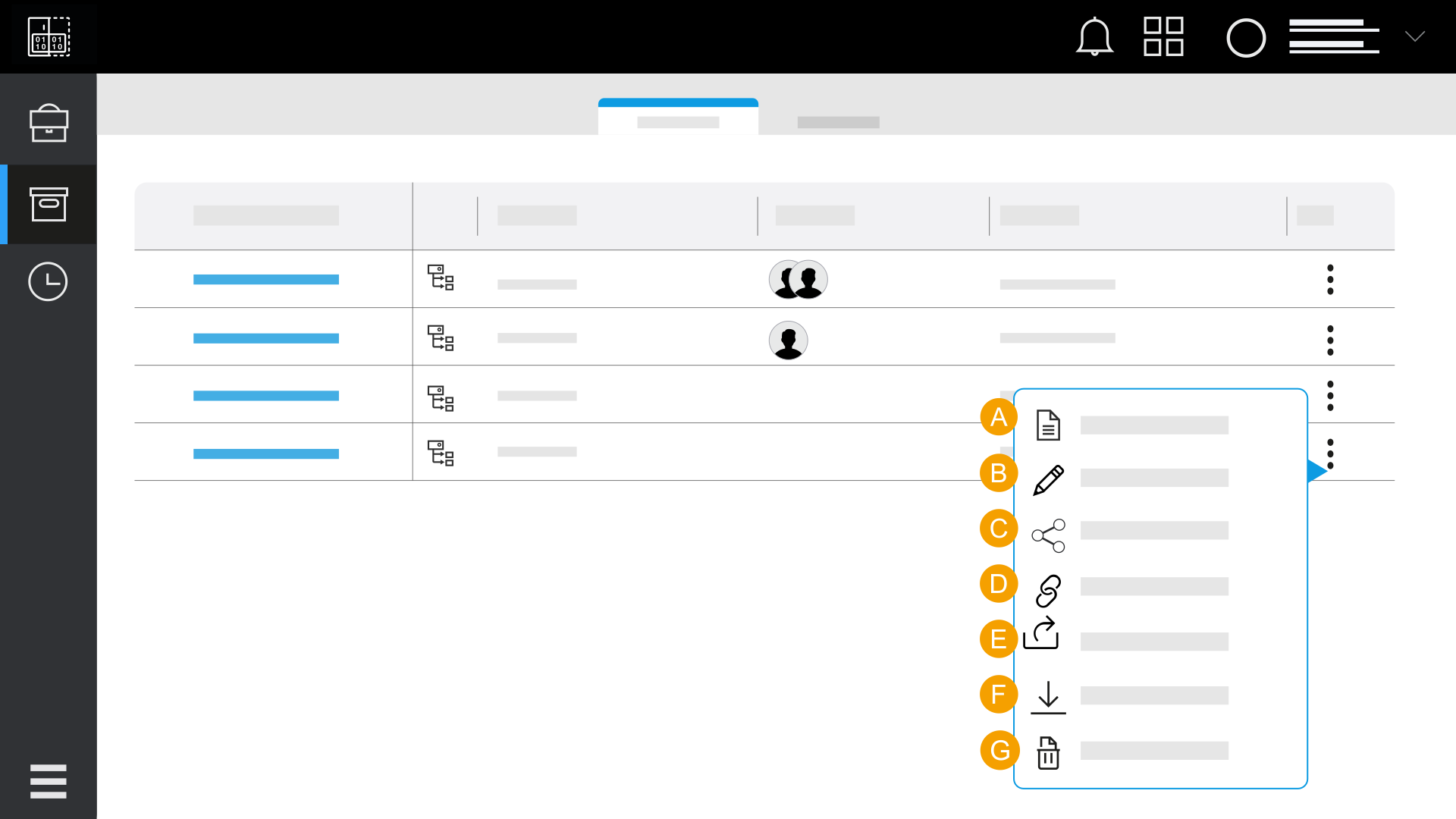
- Show details: The details contain the general machine information, recent activities, linked enclosures and the Rittal sticker with documentation QR code.
- Rename
- Share: You can share a documentation with users within your organization.
- Copy link: The link to the documentation is copied to the clipboard.
- Send: You can send a documentation to users outside your organization.
- Download: The documentation is zipped to an ePocket ZIP file during a download. When you add a new documentation, you can upload this ePocket ZIP file again via the import function.
- Delete: If you delete a documentation, it cannot be restored.