Add location
This functionality is only available for the "Admin" role and the "Designer" role.
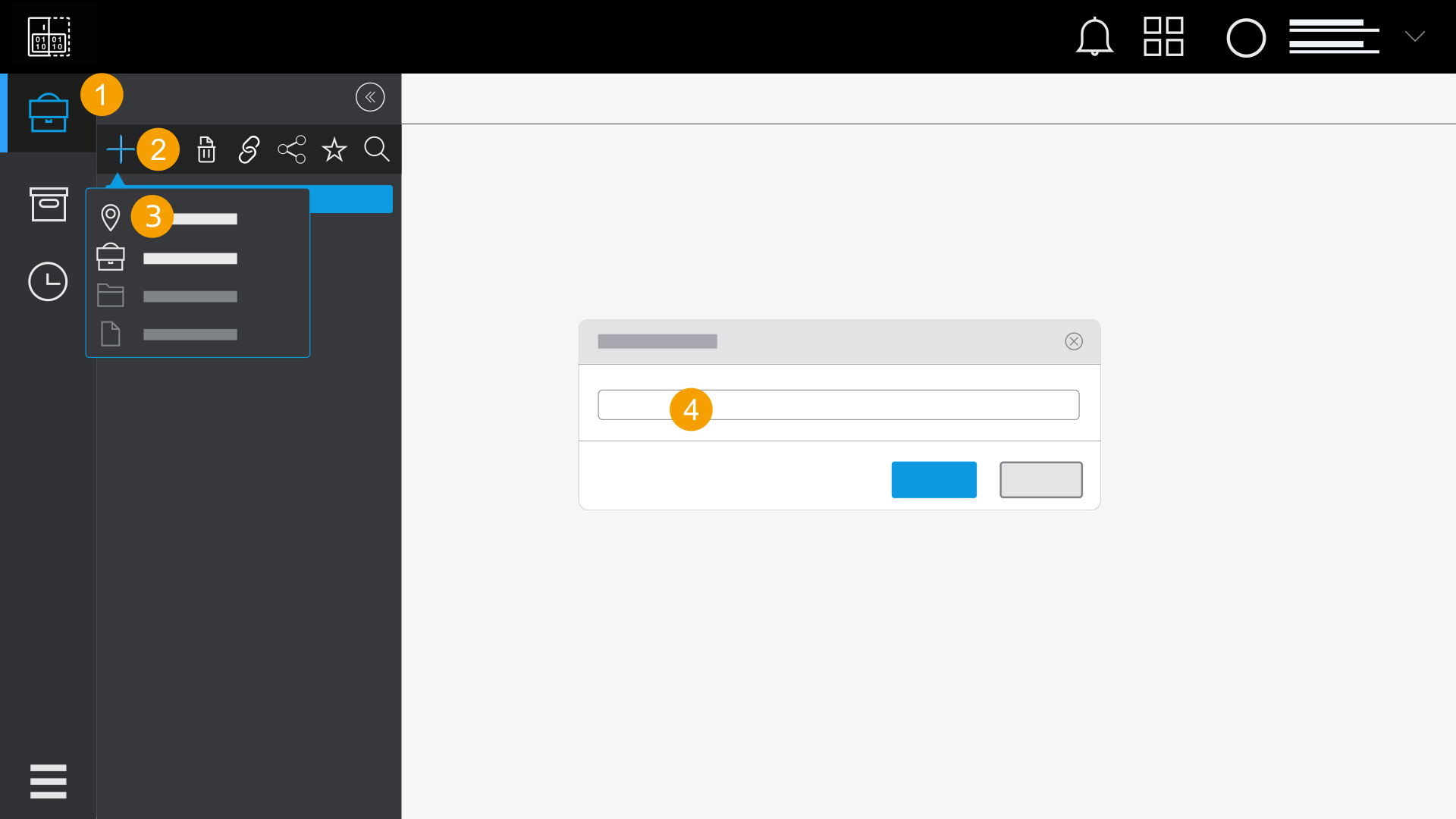
- Click Documentations in the navigation bar.
- Click the
 icon.
icon. - Click on Location
 .
. - Enter a name for the location.
- Click Save.
- The location is added.
A drop-down list with the structure elements "Location", "Documentation", "Folder" and "File" is opened.
Note
Locations can be deleted. If you delete a location, all contents within the location are also deleted.
Tip
A selected location is marked in blue. If you want to deselect a location, click the location again and the blue marking disappears.