Update licenses
You can update your license to the current version with the following steps. You then receive a new Entitlement ID that is still bound to existing activations of the license.
The update of the license cannot be reverted.
This functionality is only available in a company organization.
 Requirements: Roles
| Area | Function | Admin | User |
|---|---|---|---|
| Update licenses | x | - | |
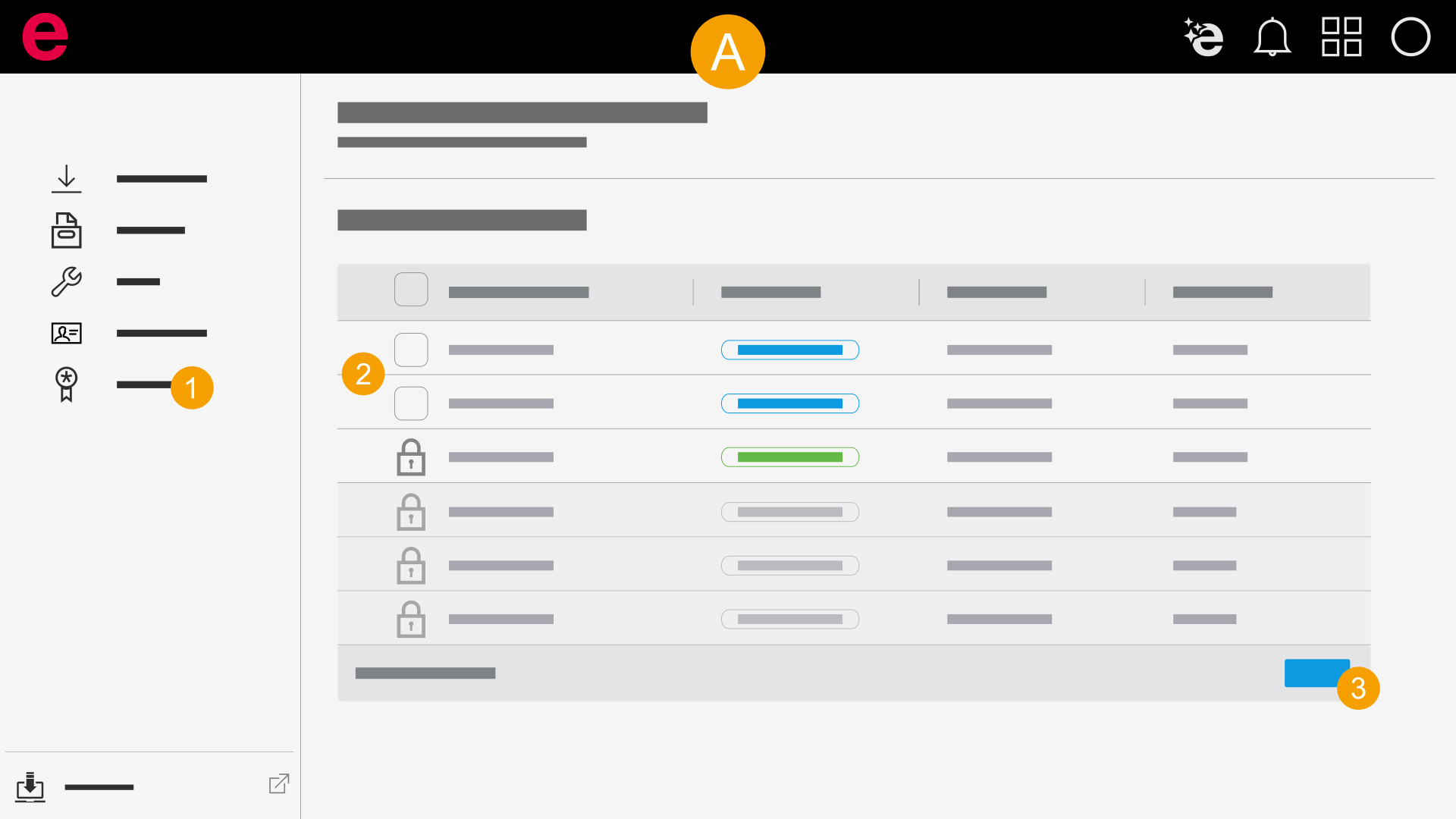
- Click Update licenses.
- Select one or more licenses.
- Click Update.
- Click Update.
- The updated Entitlement ID is displayed to you in the Entitlement IDs area in accordance with the serial number.
- Forward the Entitlement ID.
The licenses are loaded.
The update of the license cannot be reverted.