Download product or update
This functionality is only available in a company organization.
 Requirements: Roles
| Area | Function | Admin | User |
|---|---|---|---|
| Latest releases | |||
| Download product (major version) | x | x | |
| Download update | x | x |
Download current product
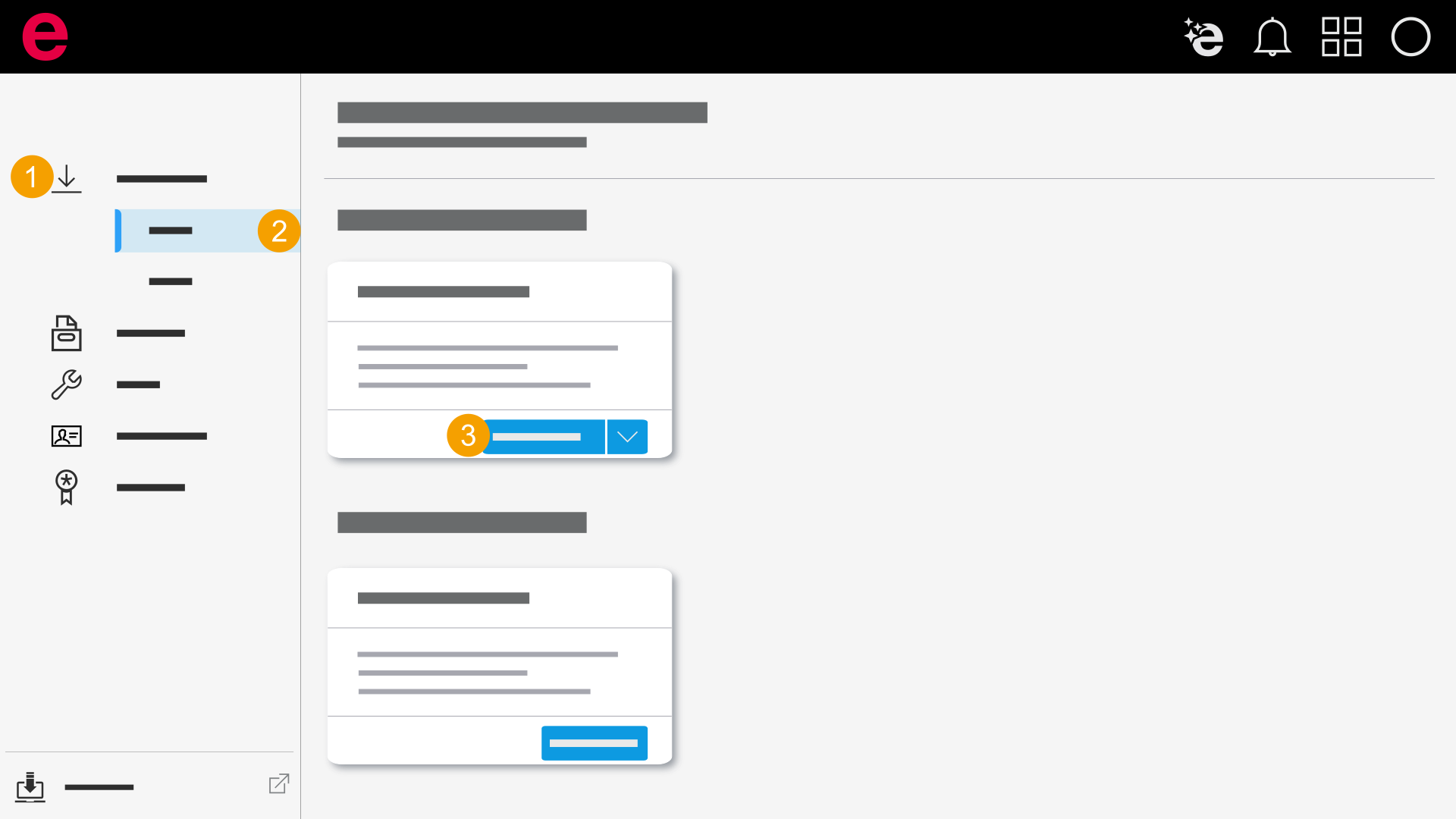
- Click Latest releases.
- Select a product.
- Click Download.
- You have downloaded the product and can begin the installation.
The major version of the product is downloaded.
Download update
To install an update, you need an already installed main version.
Alternatively you can also download and install the update via the Download Manager supplied in the installation package.
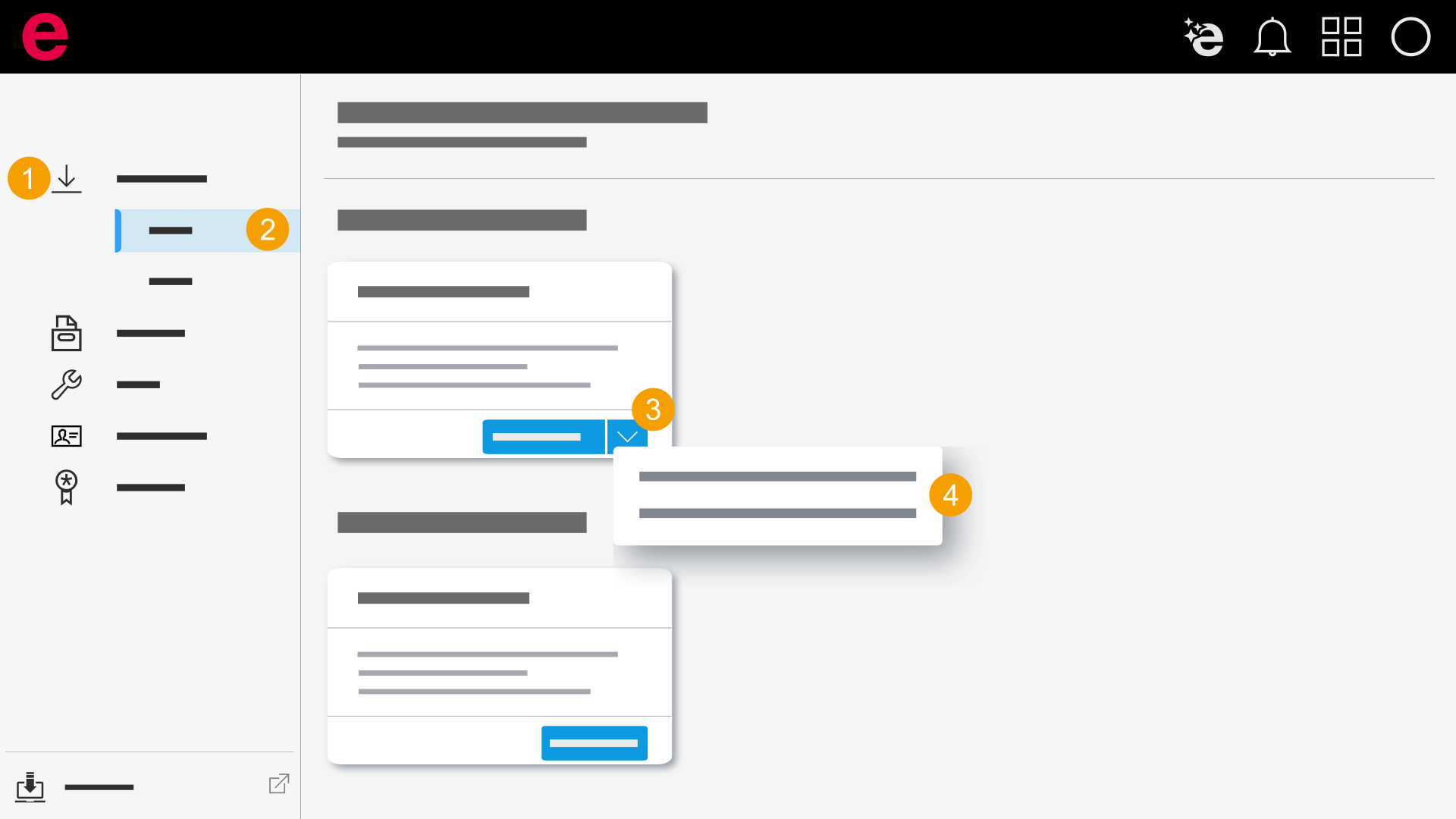
- Click Latest releases.
- Select a product.
- Click the
 icon.
icon. - Select the update.
- You have downloaded the update and can begin the installation.
The update is downloaded.