Change profile picture
Prerequisite: Open My settings.
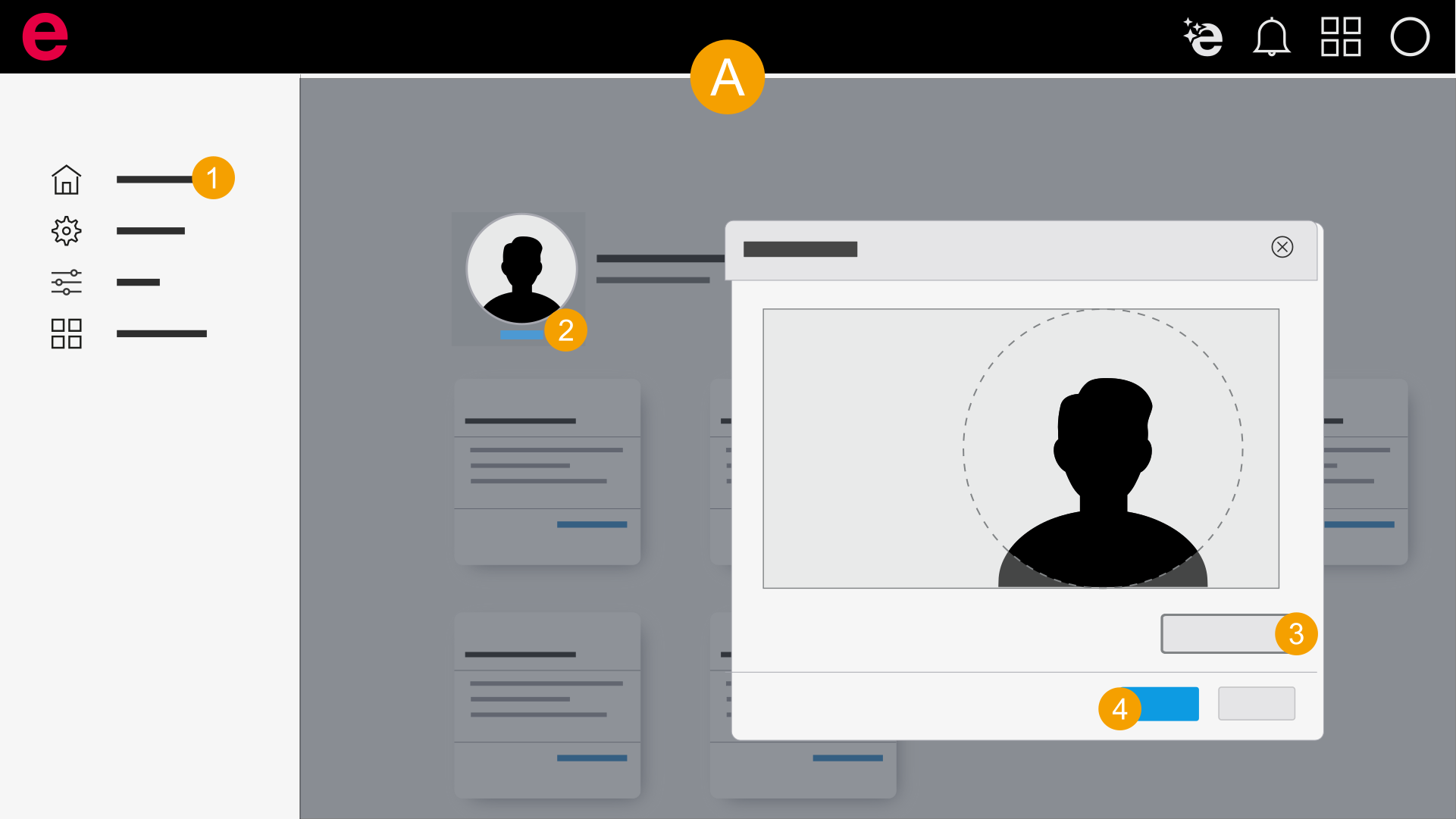
- My settings > Overview
- Click Overview in the navigation bar.
- Click Edit at the profile picture.
- Click Browse and select a new profile picture.
- Select the picture section and click Apply.
- You have changed your profile picture.