Create, change, rename company organization
Prerequisite: Open My settings.
 Create company organization
The company organization is created by Eplan and is linked to your customer number.
Switch company organization in installed Eplan solution (as of Version 2022)
Note
You can change the company organization only if you are a member of several company organizations.
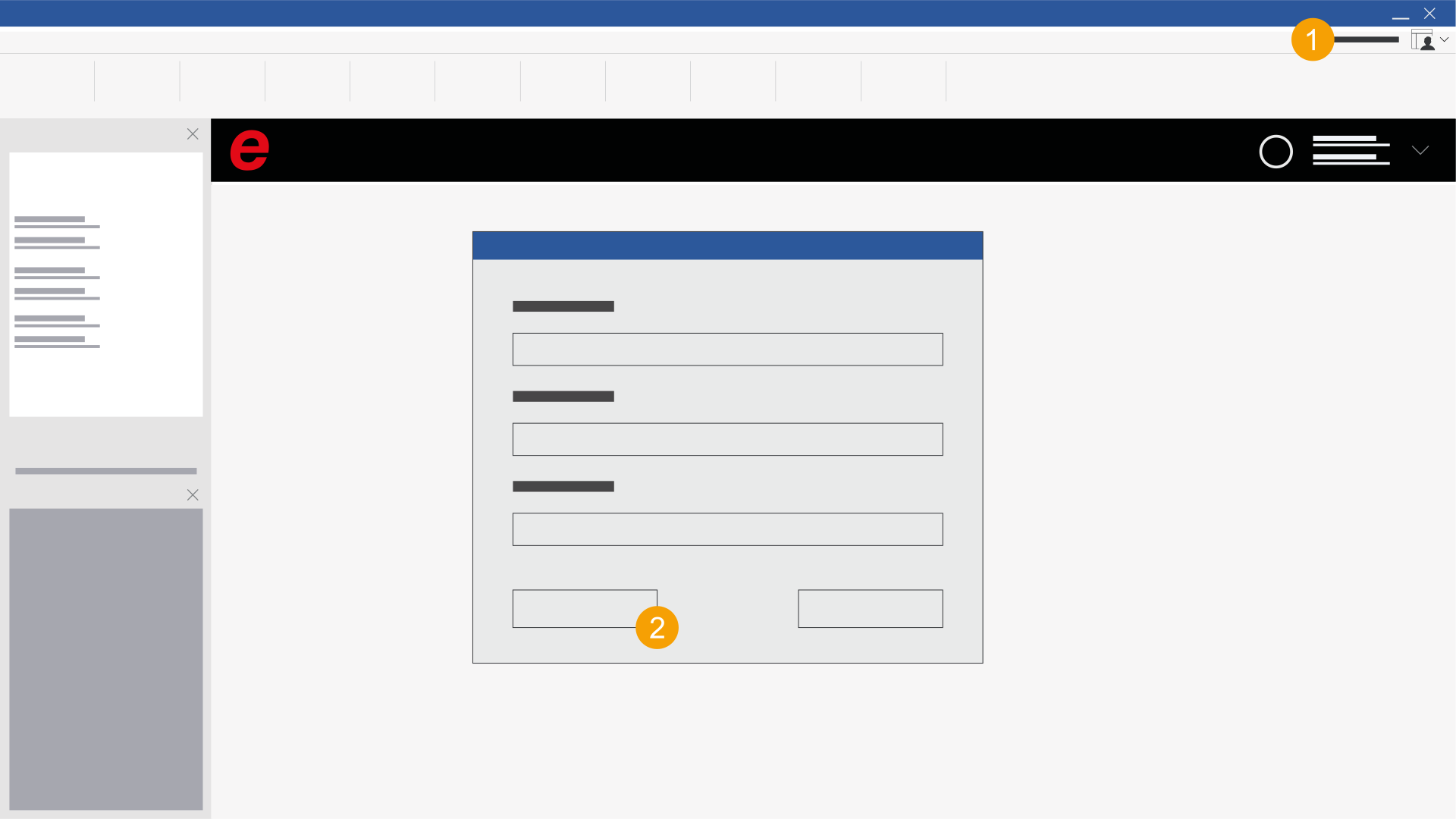
- Click on your profile in the ribbon.
- Click Sign out.
- Exit the installed Eplan solution and restart the installed Eplan solution.
- Enter your credentials and click Sign in.
- Select the desired company organization.
- The installed Eplan solution starts and you are in the selected company organization.
The Select organization dialog opens if you are a member of several company organizations.
Change company organization in the browser
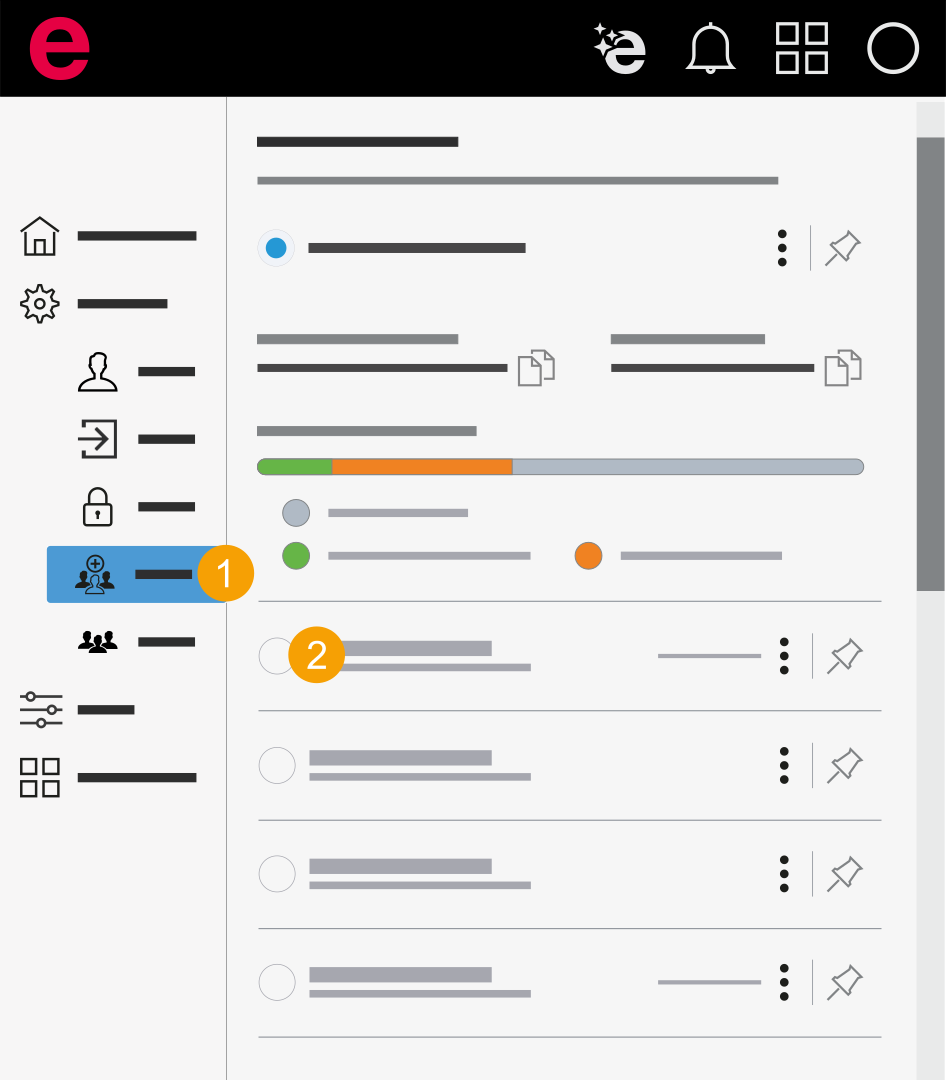
- My settings > General > Organizations
- In the navigation bar, click General > Organizations.
- Click on the company organization you want to switch to.
- The name of the company organization you have switched to is displayed in the main area.
Rename company organization
The name of the company organization is assigned by Eplan. If you want to rename your company organization, use the Contact functionality in the Cloud menu to contact Eplan.