Delete Eplan account
Prerequisite: Open My settings is open.
You can delete an existing Eplan account as long as you are signed in to the Eplan Cloud with another account.
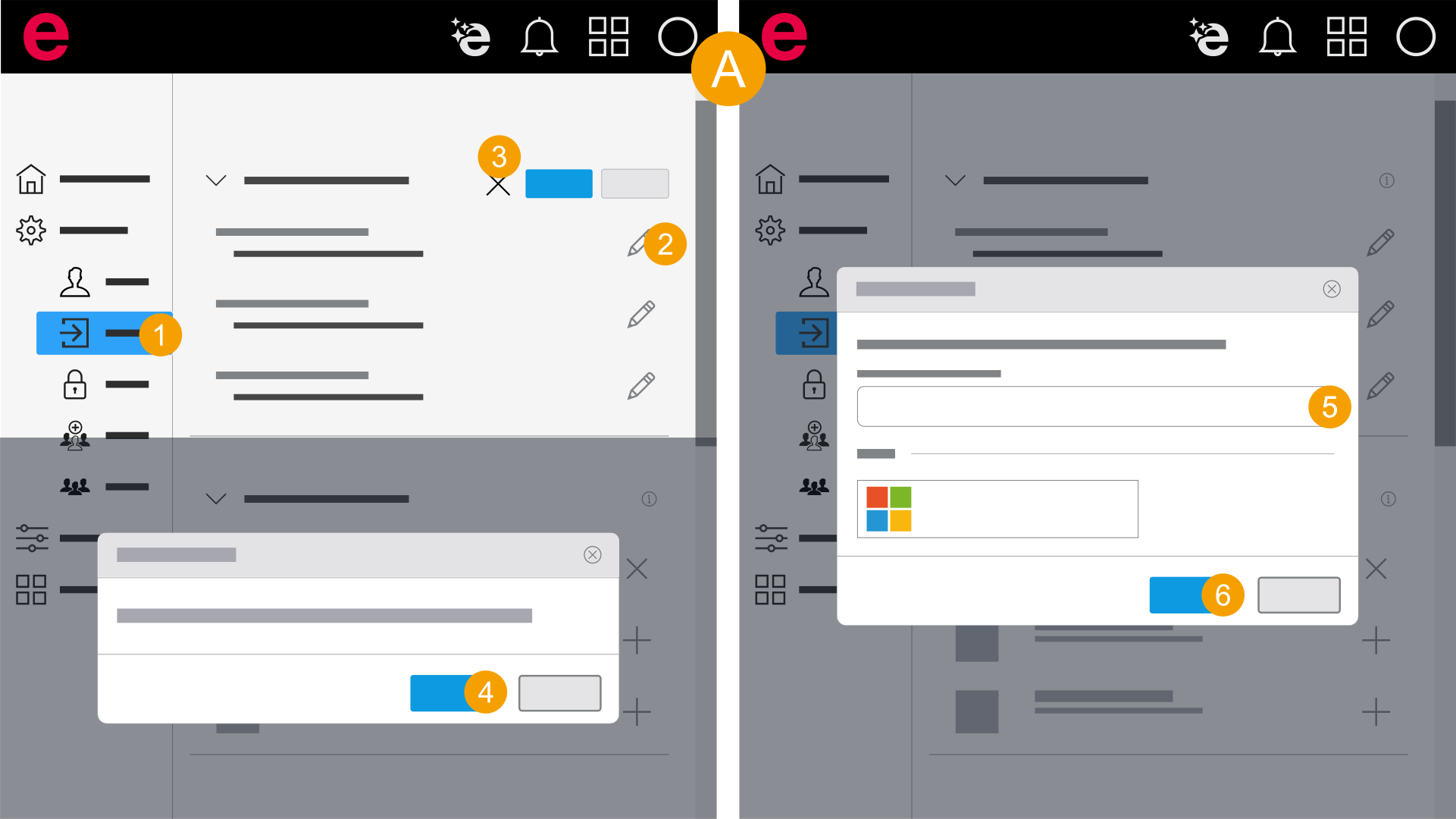
- My settings > General > Sign-in
- In the navigation bar, click General > Sign-in.
- Click the
 icon next to the e-mail address.
 - Click the
 icon.
icon. - Click Next.
- Enter your password.
- Click Continue to permanently delete your Eplan account.
- You have deleted the account.
The Delete Eplan account dialog opens.
The Password required dialog opens.