Open data management
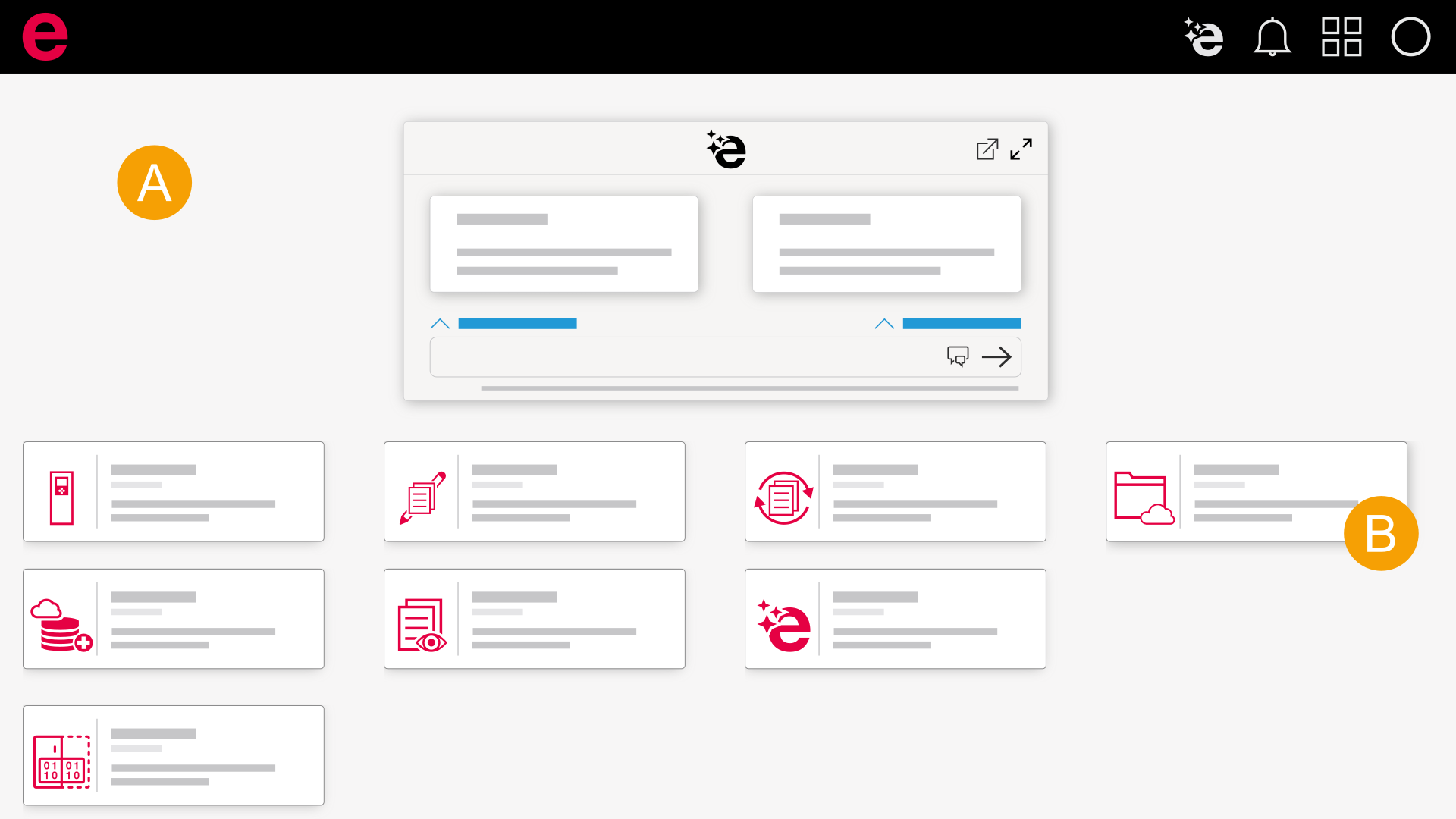
- Dashboard
- Data management
- Log in to the Eplan Cloud via the browser.
- Select the desired organization.
- Click Data management.
- Data management opens.
The Cloud dashboard opens and you are shown all Eplan Cloud products for which a role has been assigned to you. Further information is available here.
 In the installed Eplan solution
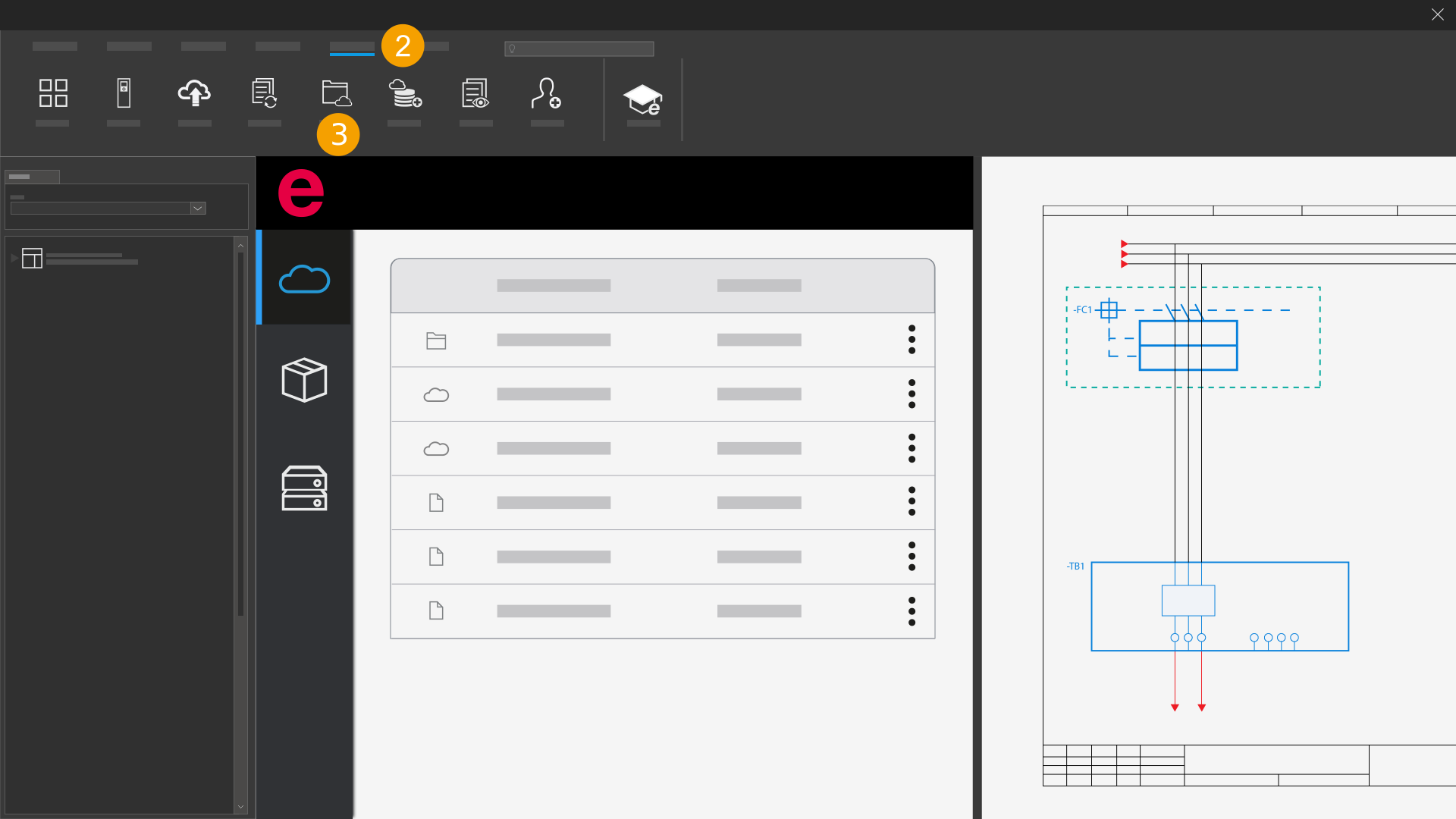
- Open the installed Eplan solution.
- Click the Eplan Cloud tab.
- Click Data management.
Data management opens.