Create part
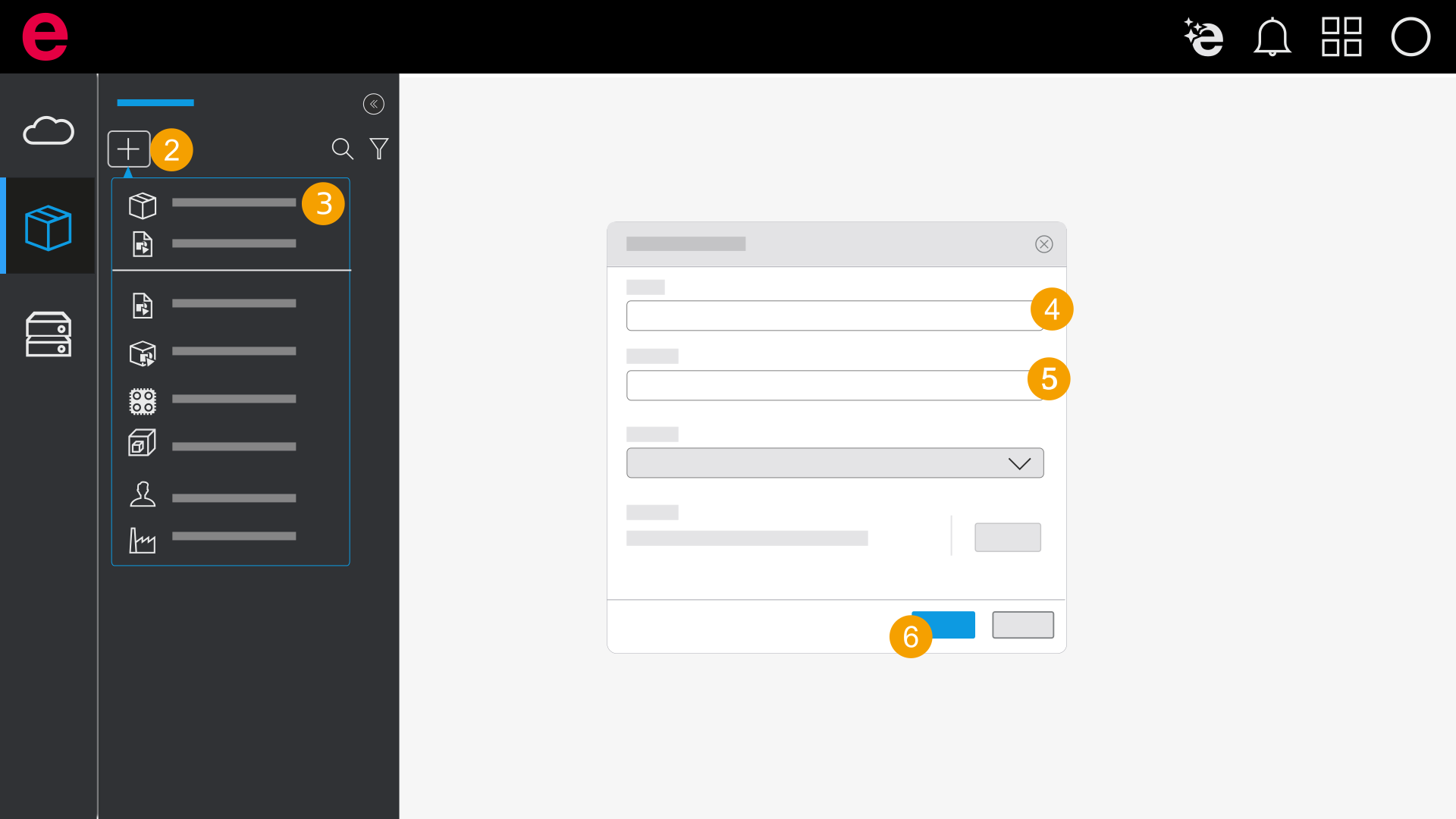
- Open a database.
- Click the
 icon.
icon. - Click Create part.
- Please enter a part number.
- If necessary, fill in all other properties.
- Click Create.
- The part is created.
Alternatively, you can upload existing parts data into the data management.
- You can migrate existing eStock parts data into the data management, see Migrate collection.
- You can upload parts data from the installed Eplan solution into the data management, see Upload local database into the data management.