Generate project for older Eplan solution
This functionality is only available to you in the installed Eplan solution.
 Note
Note
Project data of the Eplan solution and the associated products Eplan Electric P8, Eplan Fluid, Eplan Pro Panel and Eplan Preplanning are stored in a so-called Eplan project. Each software version of the Eplan solution and the associated products has a version-specific format in which the Eplan projects are saved.
The Eplan project is the default for further processing of the project data in the Eplan solution. If you have no compelling reason to use the Eplan project in the format of an older version, Eplan generally recommends using the current Eplan version and thus the current Eplan project format.
When the Eplan project is saved in the format of an older version, the representation and functionality of the saved Eplan objects in the format of an older Eplan version is usually retained. However, restrictions apply.
When an Eplan project is saved in the format of an older Eplan version, some objects and the associated data may be displayed differently, be corrupted or be lost. Data that is lost or corrupted when an Eplan project is saved in the format of an older Eplan version is not restored or corrected even when the project is read into a more up-to-date software version of the Eplan solution.
Eplan does not guarantee that the content of an Eplan project saved in the format of another Eplan version is identical to the original project.
The data management allows you to generate a project for an older Eplan version. You can then download this project, save it locally, and open it in the installed Eplan solution. However, in general, you should work with the project from the current version.
Work with older version
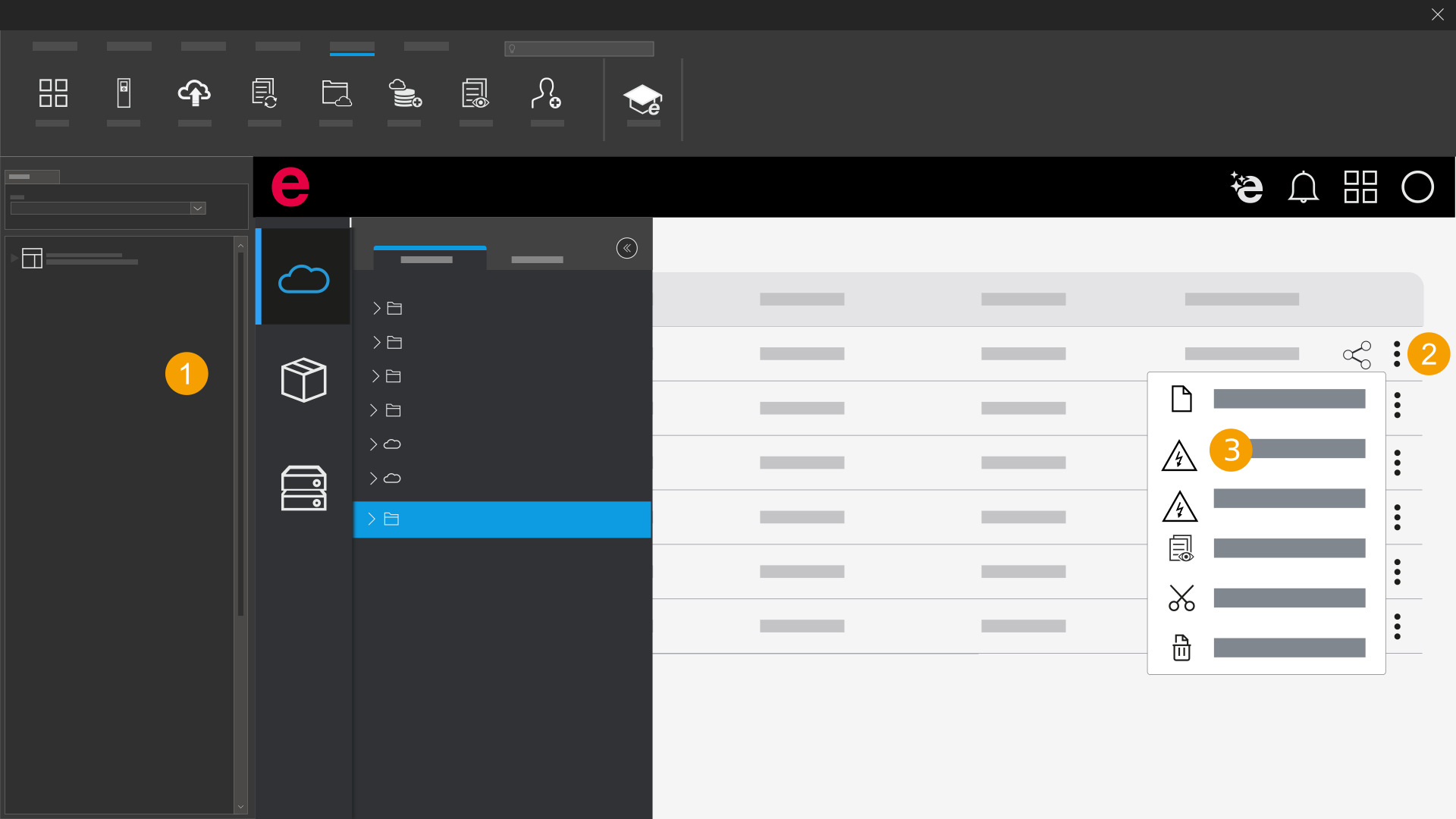
- Open the folder with the desired project.
- Click the
 icon next to the project in the Actions column.
 - Select the project version that you want to generate.
- Click the icon
 again.
 - Depending on the generated project version, click "Open project".
- Confirm your selection.
- The project opens in the installed Eplan solution.
The project is generated for the selected version of the Eplan solution.