Publish a project to eView and open it
To open a project from the data management in eView, you first have to publish the project. After that you can open the project in eView and use its functions.
 Publish a project in eView
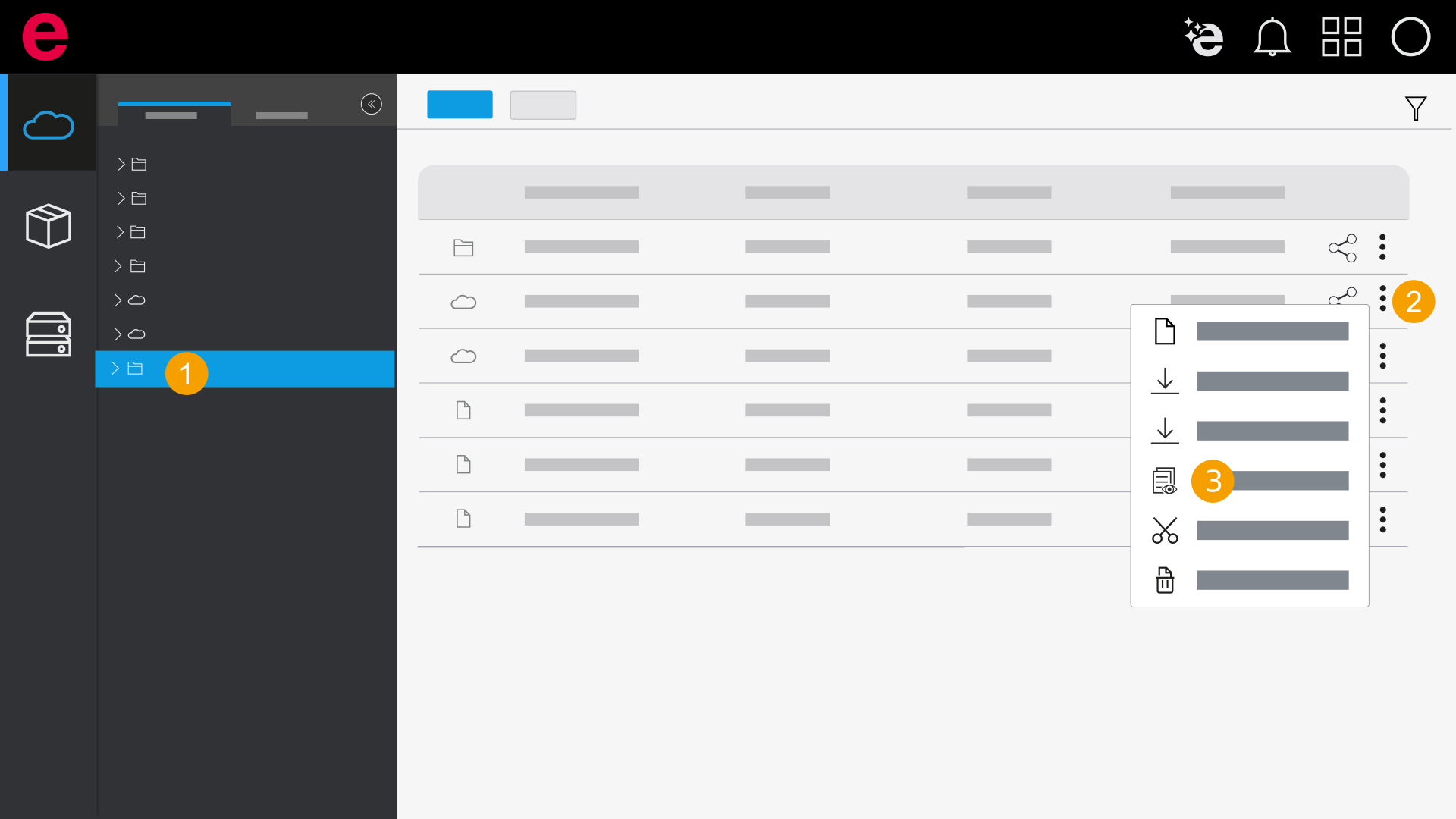
- Open the folder with the desired project.
- Click the
 icon next to the project in the Actions column.
 - Click Publish to eView.
- The project is published. You see the publication status by clicking the
 icon.
icon.
Open a project in eView
- Open the folder with the desired project.
- Click the icon next to the project in the Actions column.
- Click Open in eView.
- The project opens in eView.