Introduction
Eplan Cloud data management provides a central, cloud-based environment for managing project data, parts data and master data. Data management makes all the relevant engineering data available in one location. This provides reusability, data quality and consistency.
With the data management you can manage your engineering data between a locally installed Eplan solution (as of Version 2027) and the Eplan Cloud.
- You can download data from the Eplan Cloud into your local Eplan solution and use it in projects.
- Changes that you make locally to your data can then be transferred back to the Eplan Cloud.
- By comparing local data sources with the data of the Eplan Cloud, you can detect differences.
This two-way data exchange allows you to work with up-to-date data. At the same time, central management of the data in the Eplan Cloud makes it easier to collaborate with other users.
 Projects
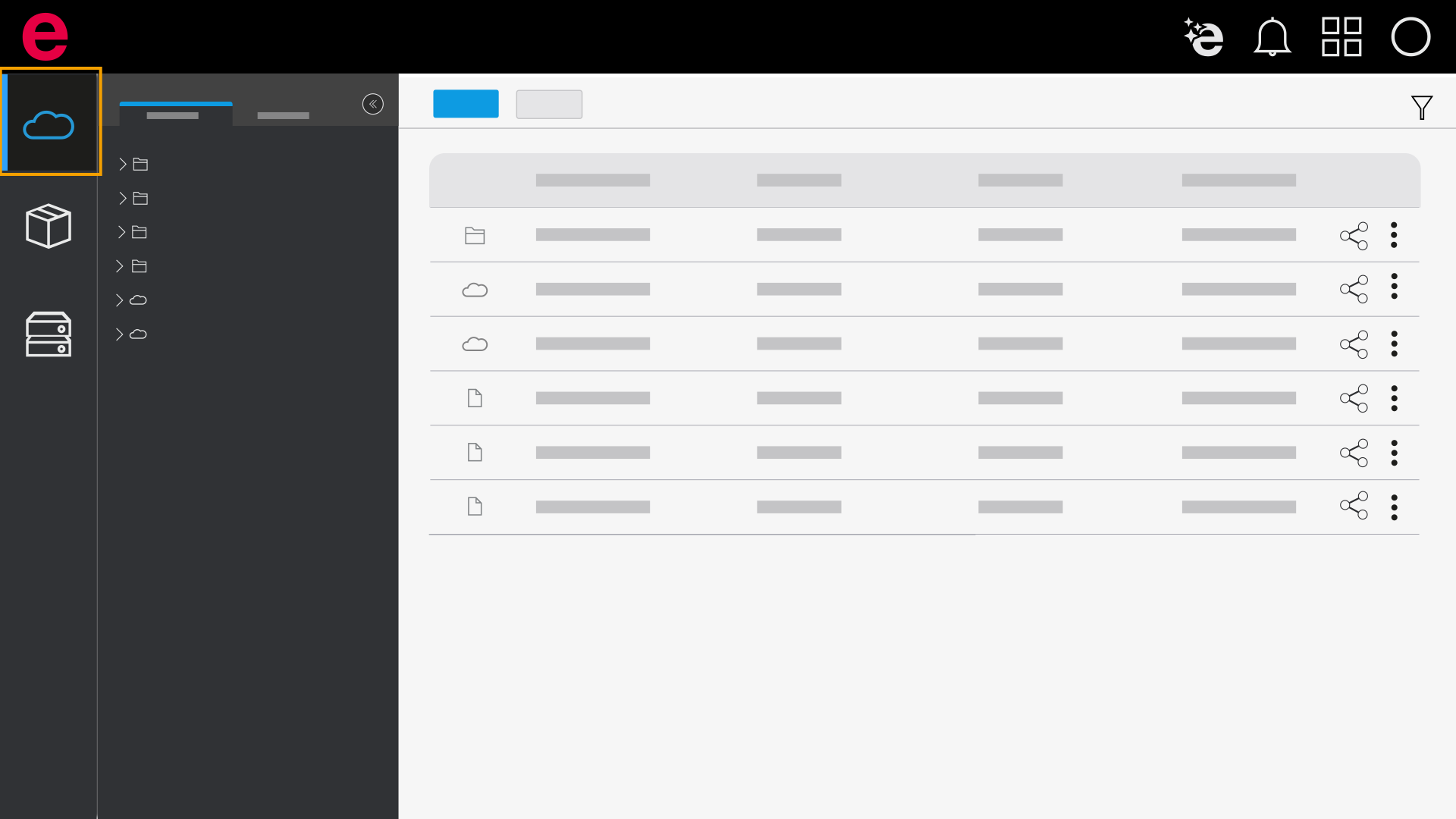
In the Projects area you manage the data relevant to your project, such as Eplan projects as well as project-specific documents and files. Here you can upload projects in the form of ZW1 files and organize them in a structured environment. You can download the projects saved in the data management from the Eplan Cloud at any time and use them in a locally installed Eplan solution.
Parts data
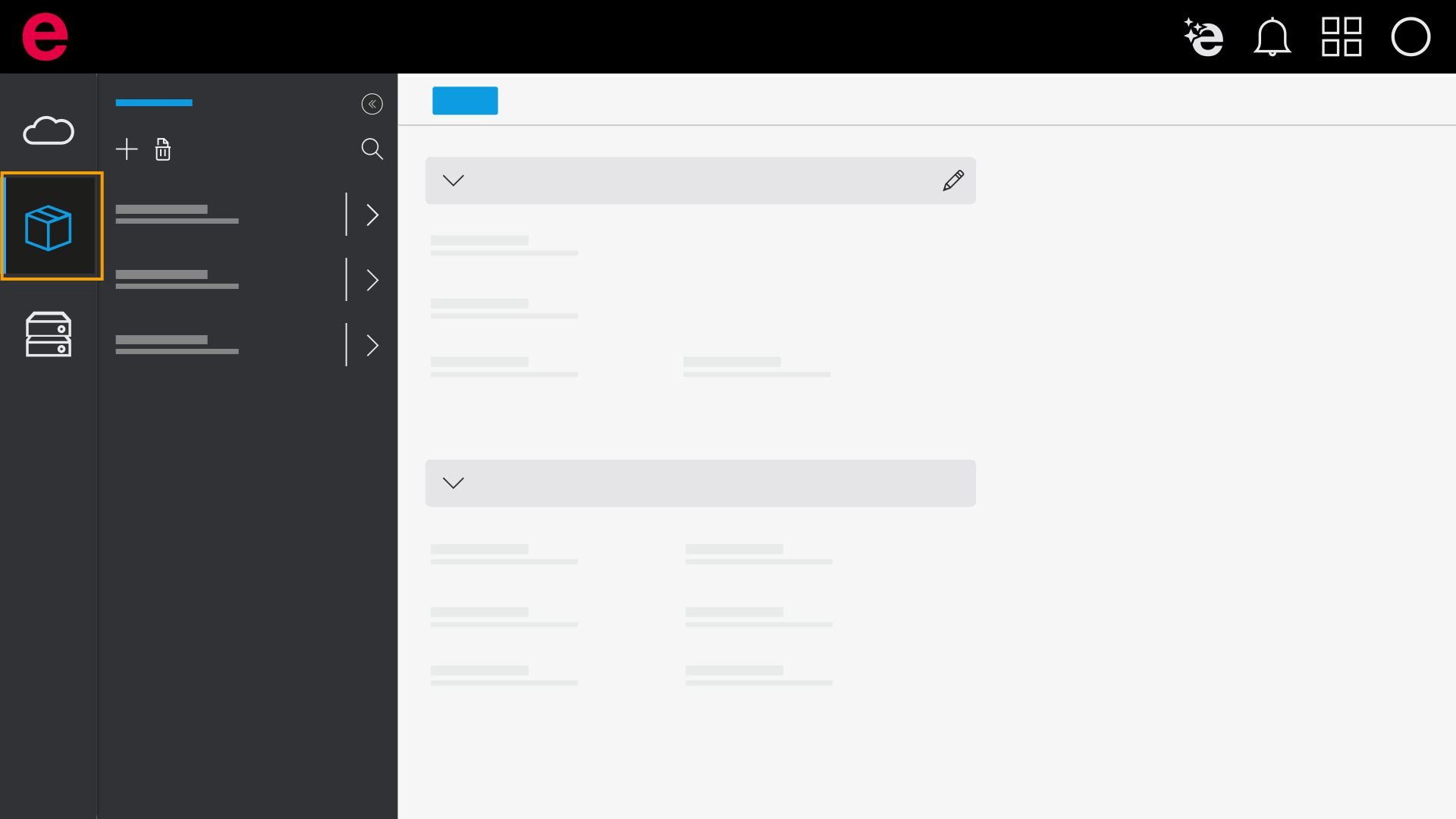
Parts data are part of the data management in Eplan. You can use parts to record information about components and products in a structured manner and to make it available for project planning. A part contains both commercial and technical information, such as manufacturer data, order information or technical properties.
In the Parts data area, you can maintain and edit parts data from a central location. In addition, you can upload and download, compare, and synchronize parts data between the Eplan Cloud and the installed Eplan solution.
Master Data
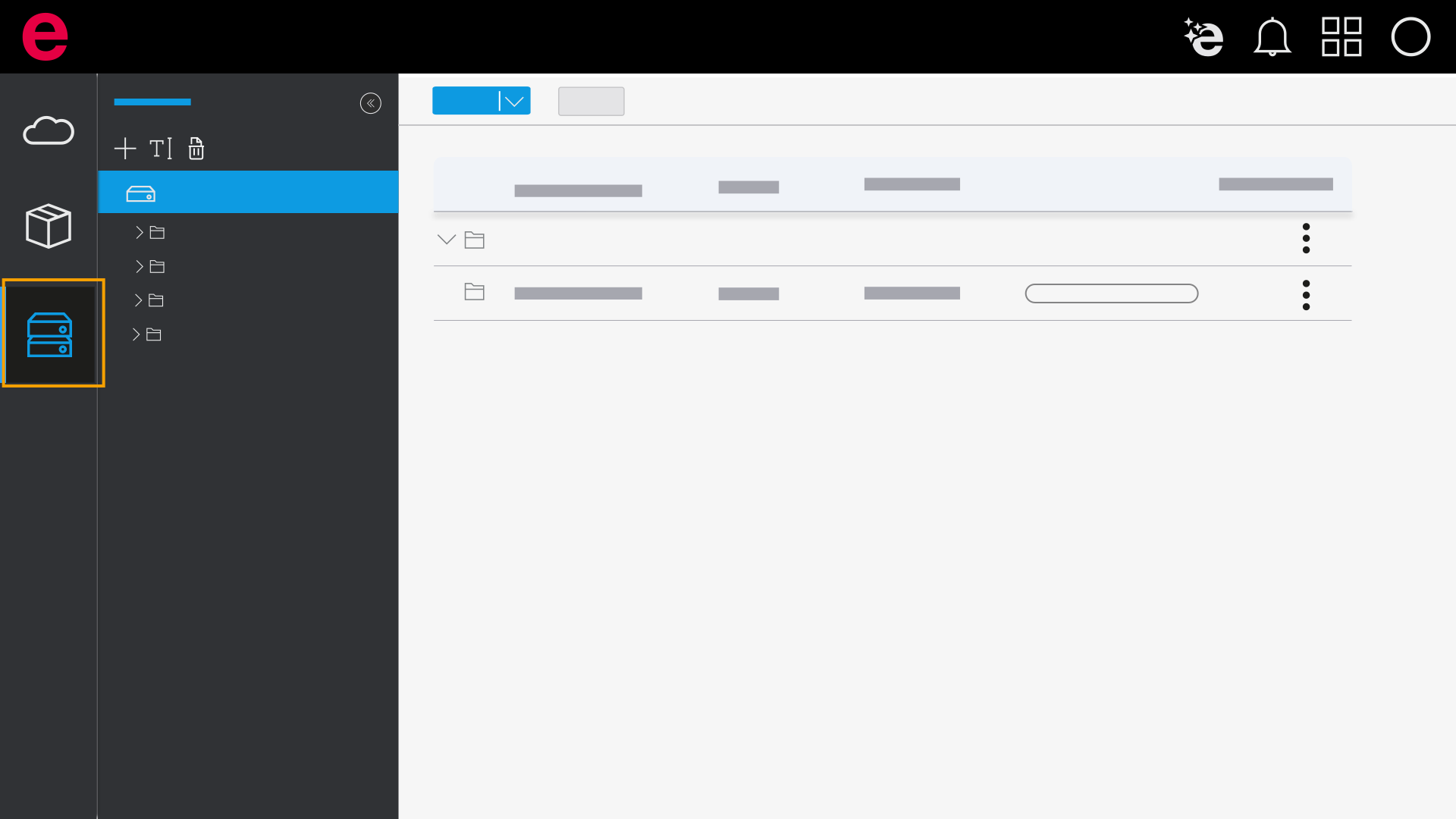
Master data forms the basis for working with Eplan. This includes all the "auxiliary data" outside the project that are required for its editing – e.g., symbols, images and macros. Master data is managed in directories.
As of Eplan Version 2027, you can upload and download master data between a local directory and the Eplan Cloud, compare it, and synchronize it as needed. To upload and download master data, use the Eplan scheme technique.
Further information on master data is available here.