Master data: Basics
Master data forms the basis for working with Eplan. This includes all the "auxiliary data" outside the project that are required for its editing – e.g., symbols, images and macros. Master data is managed in directories.
As of Eplan Version 2027, you can upload and download master data between a local directory and the Eplan Cloud, compare it, and synchronize it as needed. To upload and download master data, use the Eplan scheme technique.
Further information on master data is available here.
Master data scheme
The selection of a master data scheme is important for working with master data in the data management. A scheme defines the folder paths and file paths to your master data. Program components and functions take information about folder paths and file paths into account when the system requests specific data. For example, the master data scheme has a decisive impact on the selection of master data available to you when you work in parts databases.
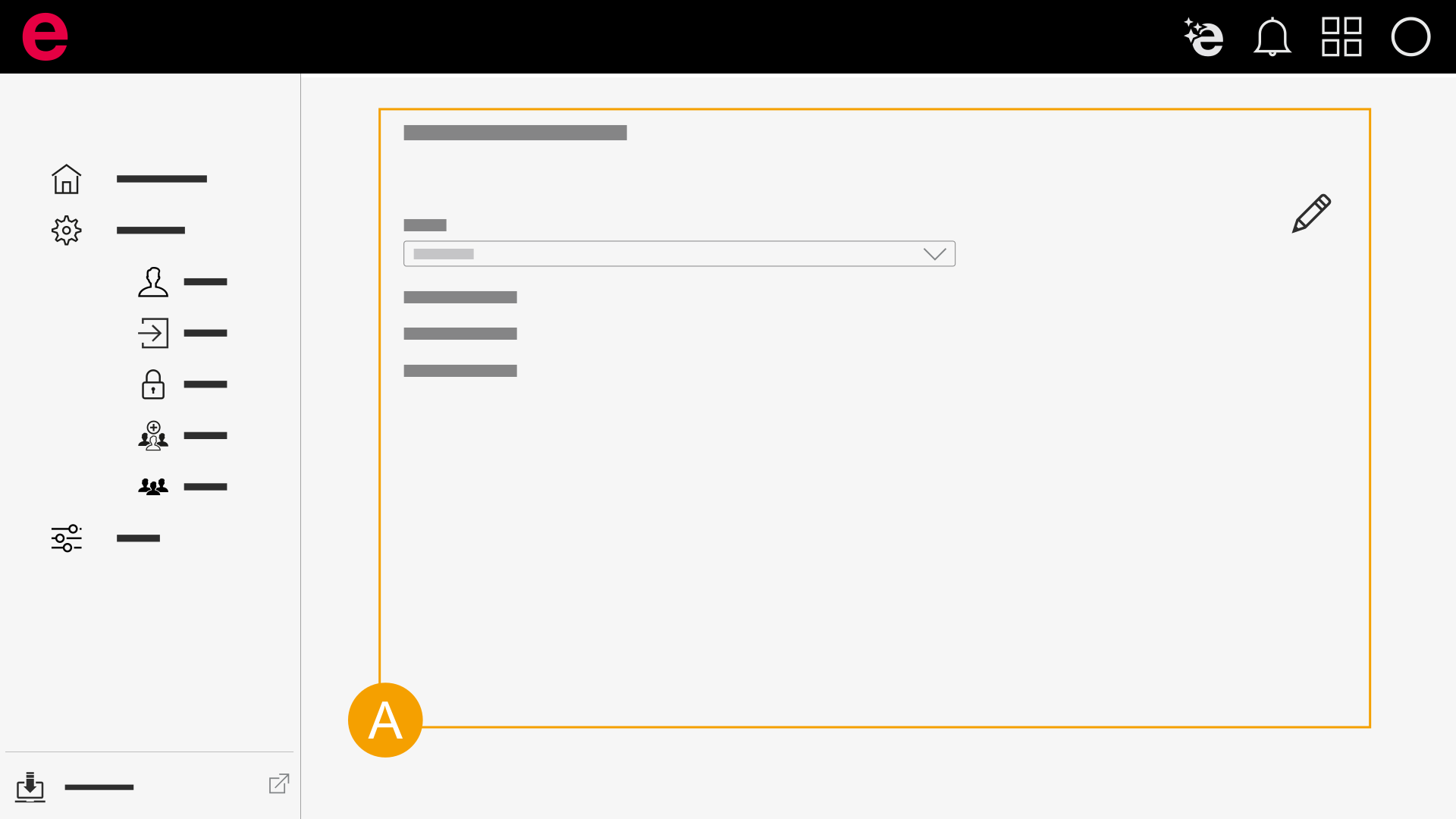
 Select master data scheme
- Select master data scheme
You can select master data schemes under My settings. The scheme that you select there applies to working with parts databases in the data management. As soon as you select a scheme, you work consistently with this scheme and access the stored master data via the directories defined there.
Make sure that you always use the appropriate scheme within a database. When you change the database within the data management, make sure that you work with the correct scheme. The settings are stored individually for each user. Other users may have selected a different scheme in their logged-in area.
If no scheme is available under My settings, you must upload a scheme via the installed Eplan solution.
Upload master data scheme from installed Eplan solution
All users of an organization can select uploaded master data schemes in the Eplan Cloud under My settings.
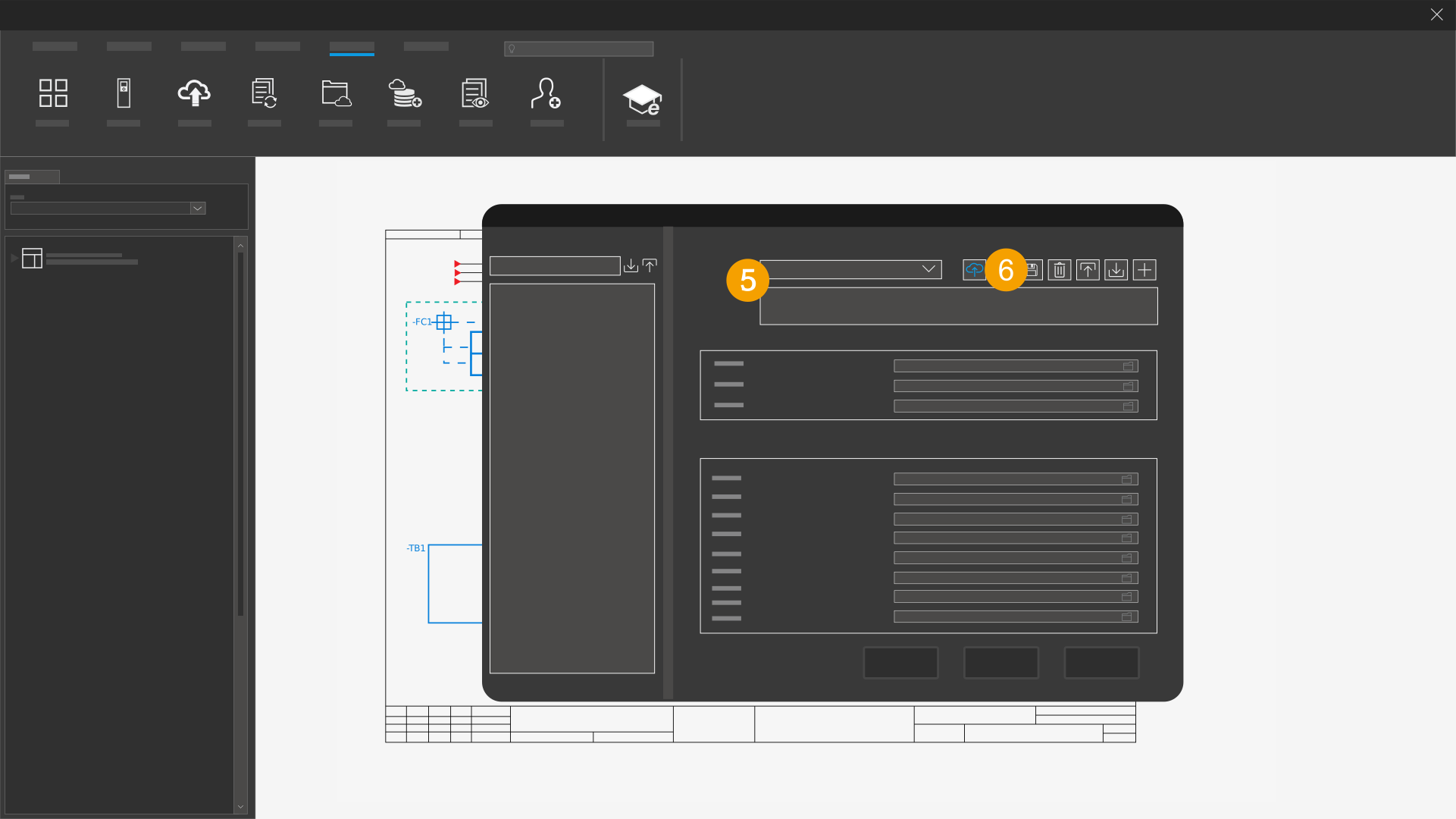
- Open your installed Eplan solution.
- Click the File tab.
- Click Settings in the backstage view.
- Navigate to the User > Management > Directories area.
- Under Scheme, select a local master data scheme.
- Click the
 to icon next to the scheme to upload the master data scheme to the Eplan Cloud.
 - Confirm the action with Yes.
The Settings: Directories dialog opens.
The master data contained in the directories is uploaded.
When you upload to the Eplan Cloud for the first time, corresponding directories of the directories contained in the local master data scheme are automatically created in the Eplan Cloud.
The master data scheme in the Eplan Cloud automatically receives the supplement "Eplan Cloud".