Parts data: Basics
Parts data are part of the data management in Eplan. You can use parts to record information about components and products in a structured manner and to make it available for project planning. A part contains both commercial and technical information, such as manufacturer data, order information or technical properties.
In the Parts data area, you can maintain and edit parts data from a central location. In addition, you can upload and download, compare, and synchronize parts data between the Eplan Cloud and the installed Eplan solution.
Databases
You manage your parts data in databases. In data management, you can create databases by creating a new database or uploading a local database from the installed Eplan solution.
You can synchronize the local databases and the corresponding Eplan Cloud database if a database is available both locally and in the Eplan Cloud (data management). In addition, in the installed Eplan solution, the database must be specified as the database source.
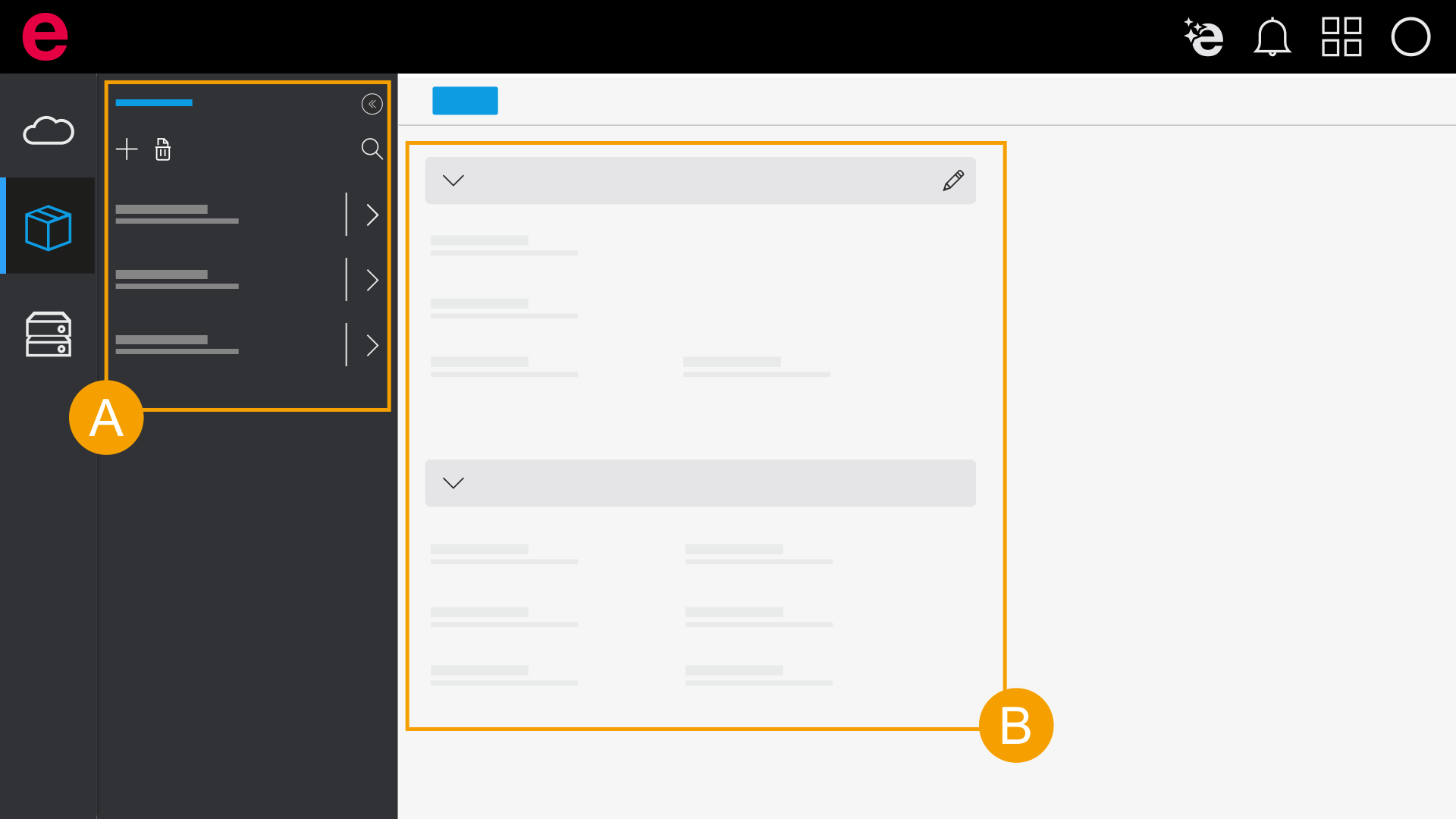
- Selection area for databases
- Working section for databases
Part
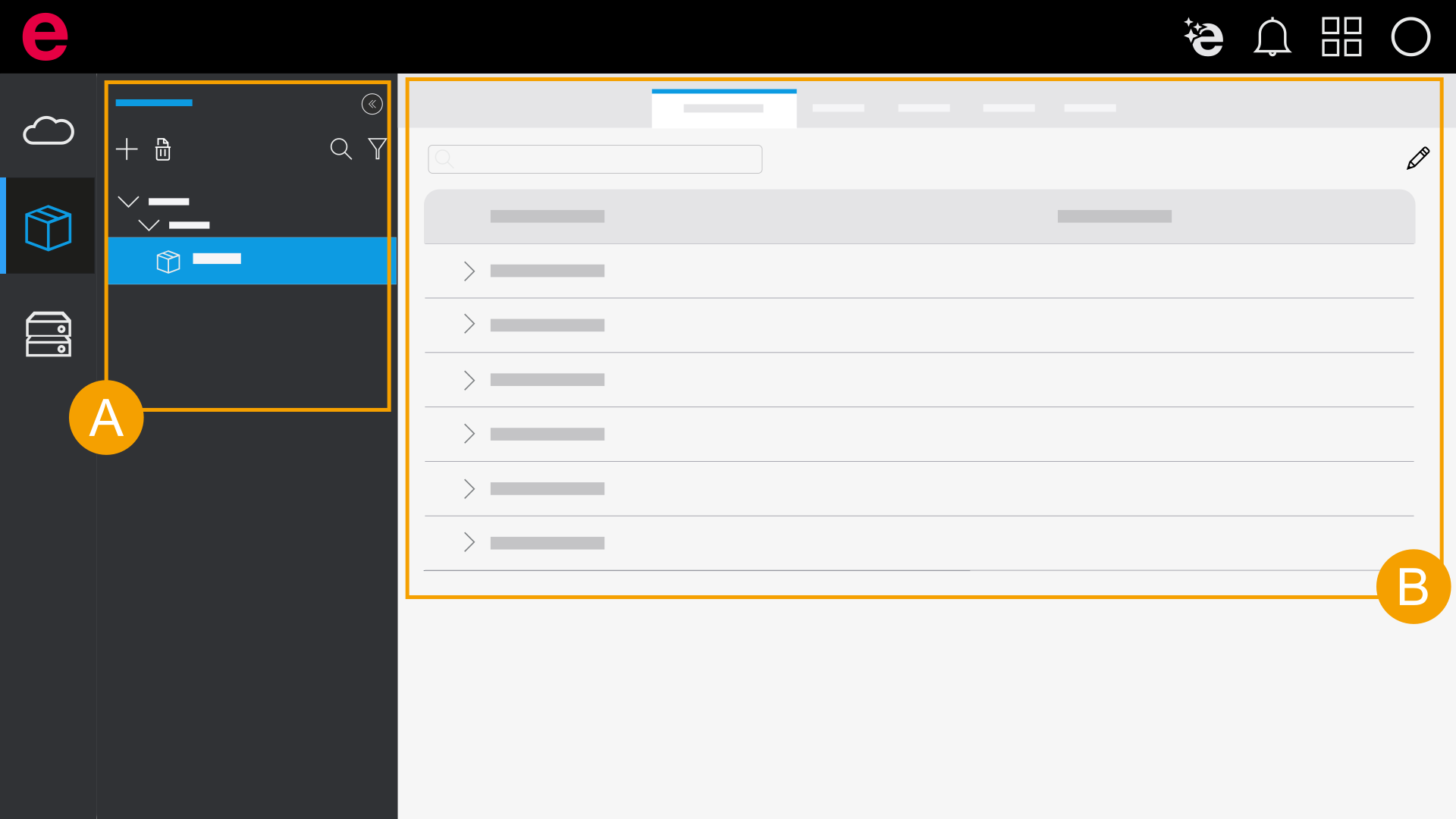
- Selection area for parts
- Working section for parts
Working section
The working section displays the relevant information on the data (e.g., parts, accessory lists, customers) that you selected in the section on the left. There are tabs available for all part types (such as properties) and tabs with special input options for a specific part type.
Sorting
The properties of a part are predefined and are displayed in a fixed, unchangeable order. If you want to sort the properties, the main properties remain unchanged since they cannot be sorted. However, if you open a property, the contents below are displayed sorted.