Migrate collection
This functionality is only available with the "Designer" role, see Roles.
With the migration of your eStock collection into the Eplan Cloud data management you transfer your parts and master data into a central, cloud-based environment. The data management is connected to the installed Eplan solution (as of Version 2027) and allows an exchange between the EPLAN Cloud and the local environment:
- You can download data from the Eplan Cloud into your local Eplan solution and use it in projects.
- Changes that you make locally to your data can then be transferred back to the EPLAN Cloud.
- By comparing local data sources with the data of the Eplan Cloud, you can detect differences.
If you work with Eplan Version 2027, you have to migrate your data from eStock to the data management. Further information on data management is available here.
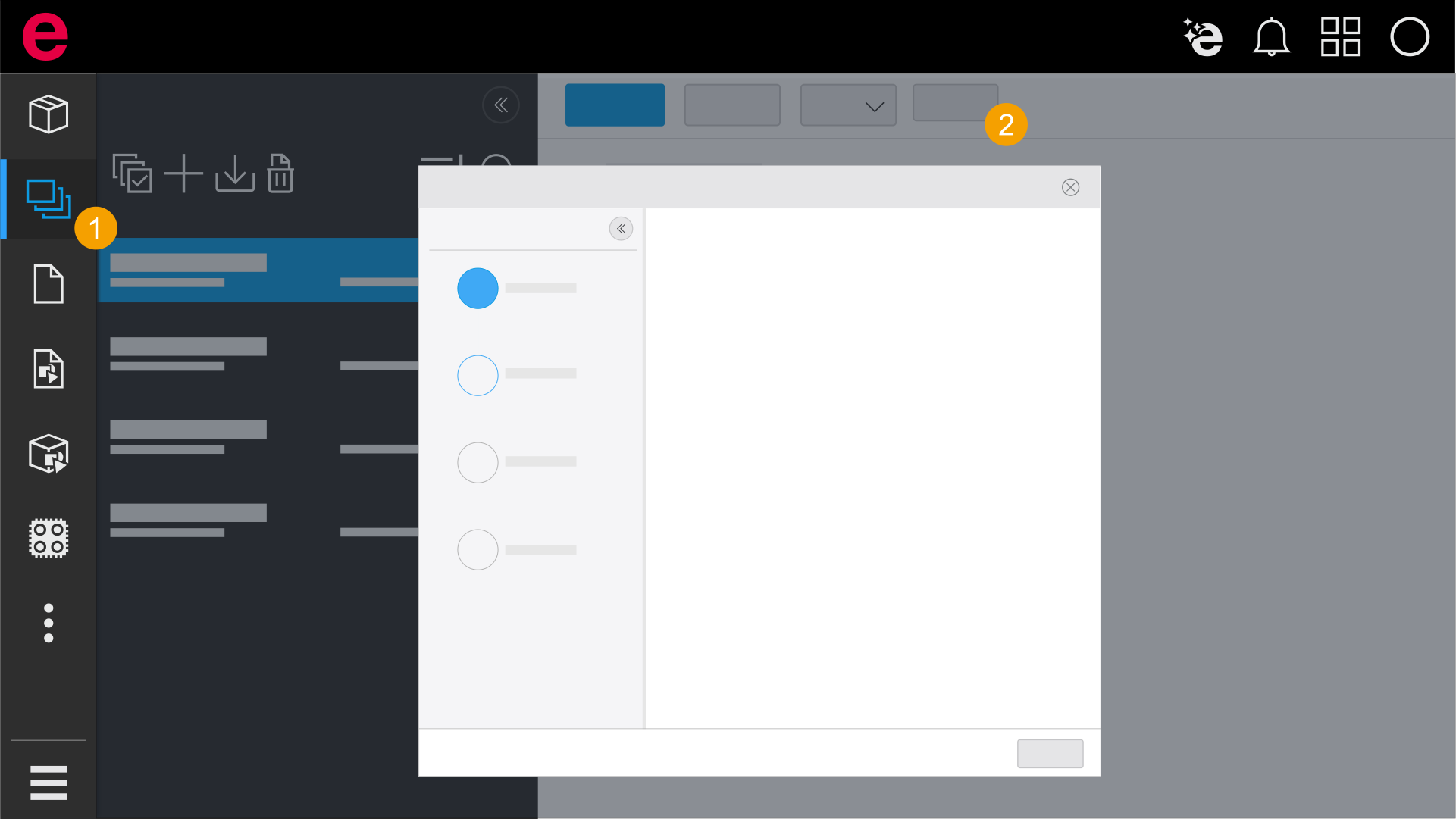
- Click Collections in the navigation bar.
- Click Migrate.
- The Migrate to the data management dialog opens.
 1. Collection
In this step, the selected collection is displayed. Subsequent modification of this selection is not possible in this dialog.
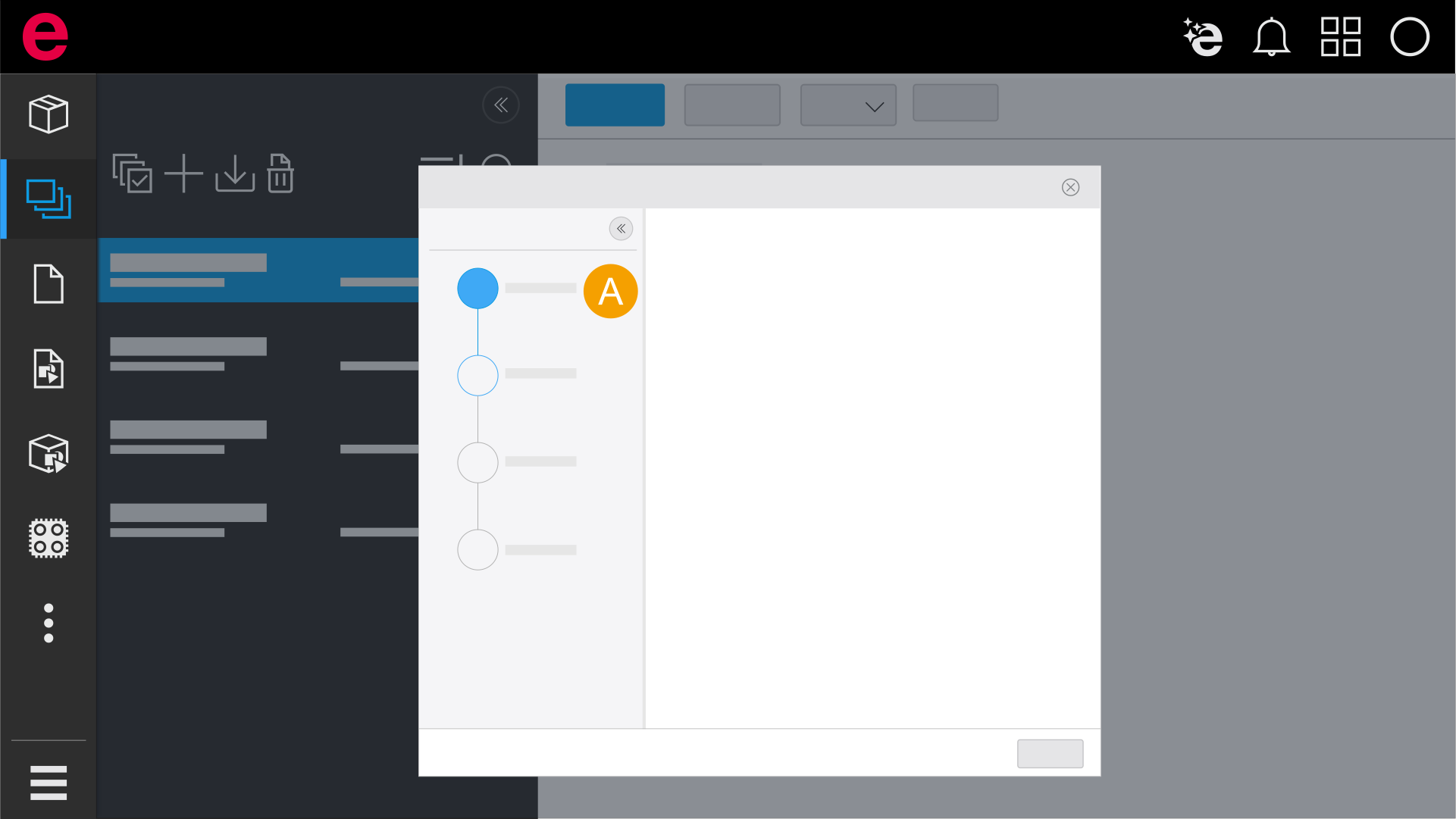
- Selected collection
2. Select database
In the second step, you specify the target database into which you want to migrate your parts data. If databases already exist in the data management, they are listed. You can either select an existing database or create a new database.
Only the most recent version of a part is included during the migration. The highest version number is decisive here, irrespective of the respective release status.
- If a part only has the Draft status, this version is migrated.
- If both a released version 1.0 and a draft 1.1 are available for a part, the draft 1.1 is migrated.
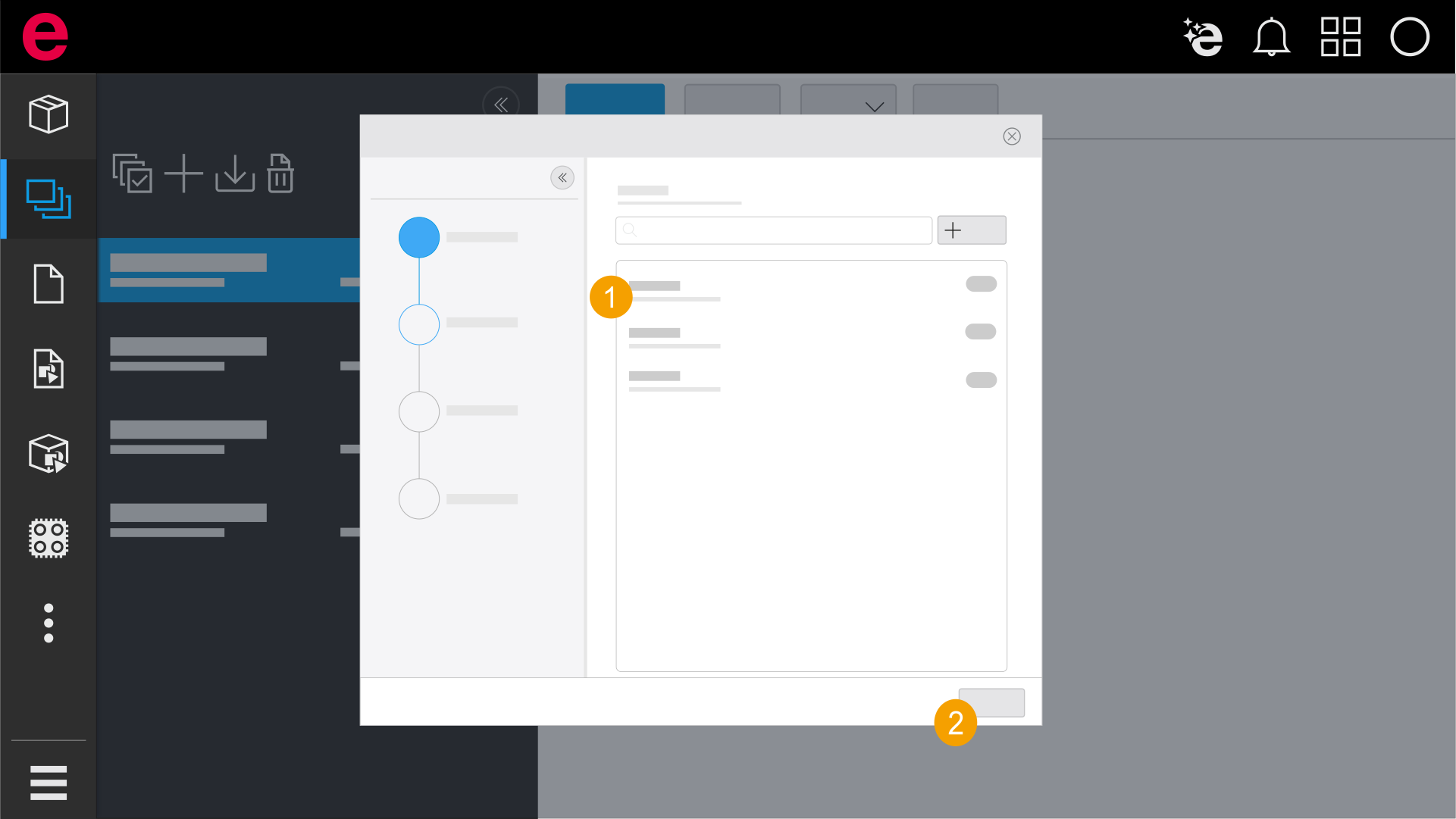
- Select a database.
- Click Next.
The overview displays all databases that exist in the data management.
During the migration into an existing database it is possible that parts existing in the database are overwritten.
Note on user-defined properties during migration
If a user-defined property with the same identifying name already exists in the target database, it is not transferred again during the migration. Parts that use this property are nevertheless migrated. However, if the configuration of the existing user-defined property in the target database differs from the configuration of the property in the source database, the property values in the migrated part may not be interpreted or displayed correctly.
3. Select directory
In the third step, you select a directory for your master data based on a master data scheme. The master data in eStock includes macros, images and documents that are imported within the scope of the migration.
If no master data scheme is available, you must upload it via your installed Eplan solution. Further information about uploading a master data scheme is available here.
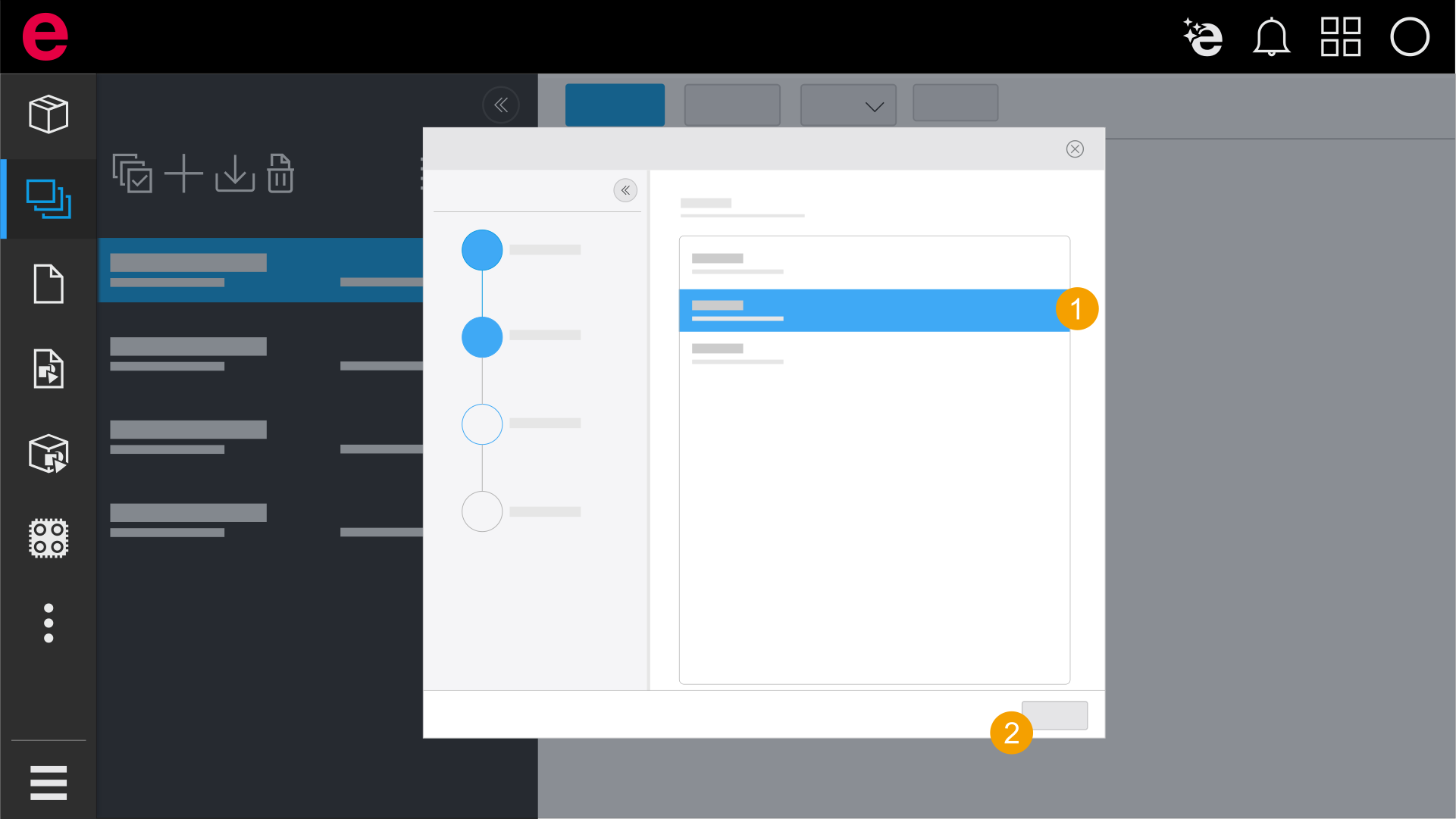
- Select a master data scheme.
- Click Next.
4. Overview
In the last step, an overview of all selected settings and target directories is displayed. Note that during the migration into an existing database or into existing target directories, existing data can be overwritten.
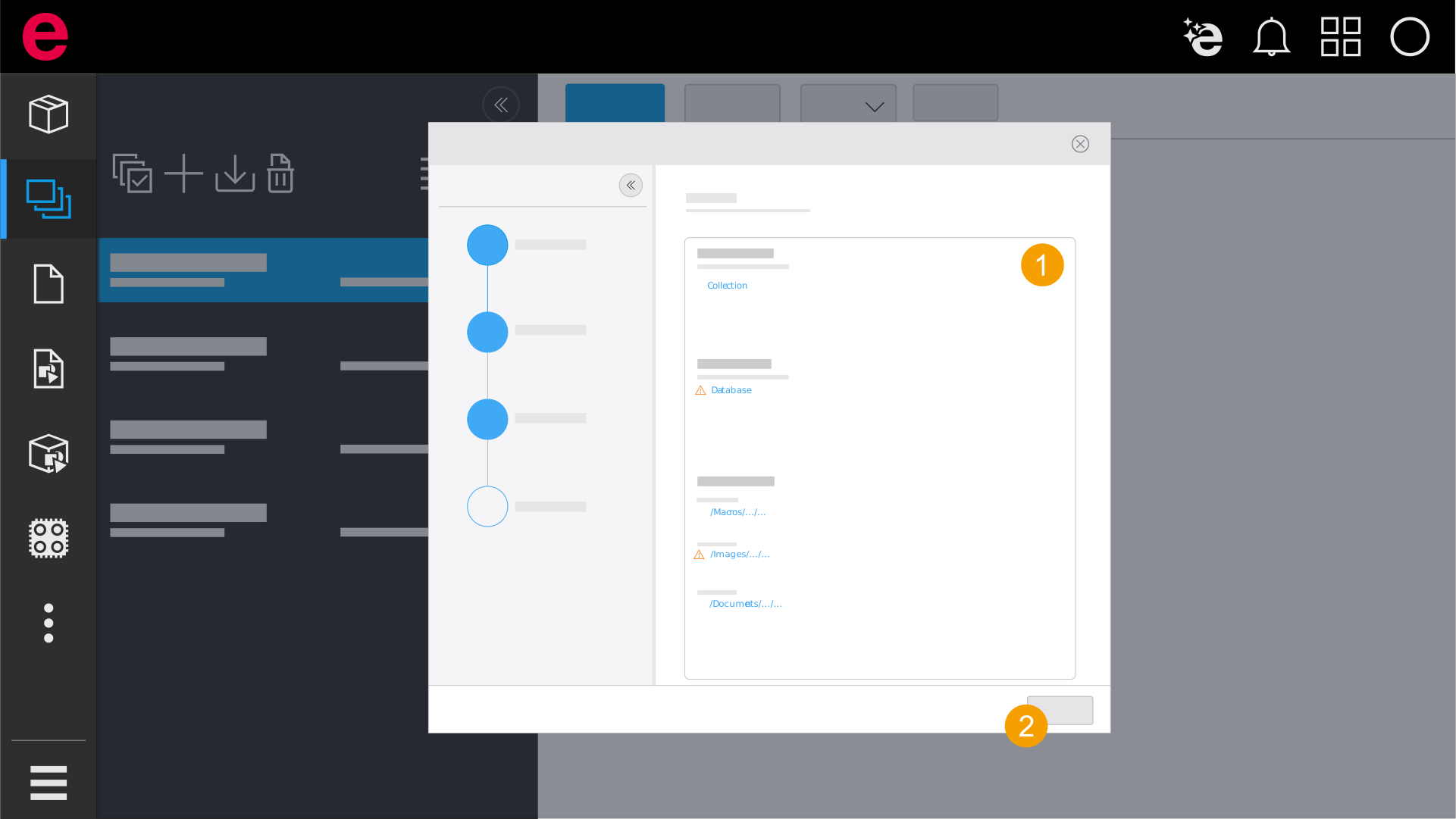
- Check your settings.
- Click Migrate.
- The data is migrated into the data management. After that, open the data management to access the migrated data.