Open eBuild
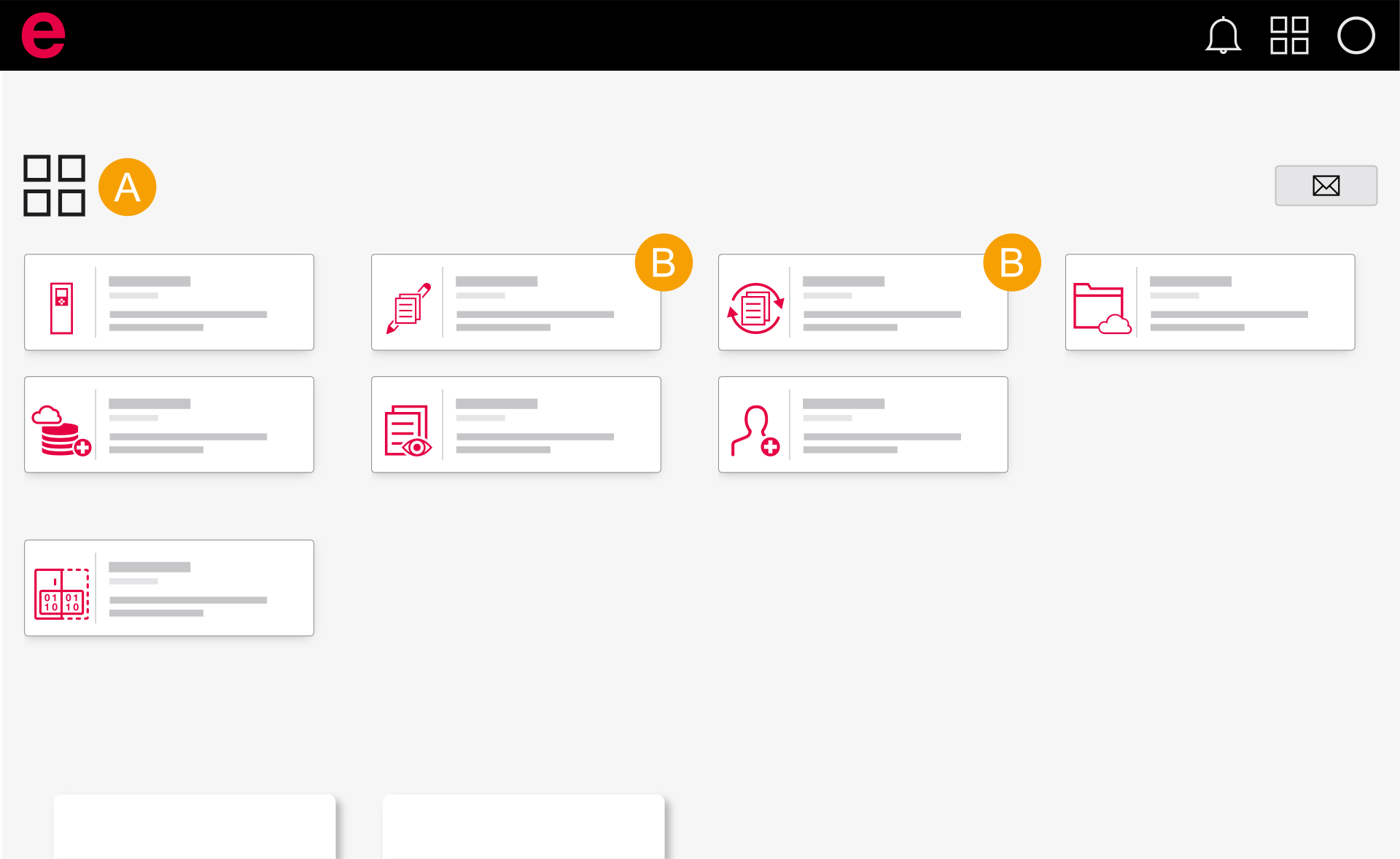
- Dashboard
- eBuild
- Sign in to the Eplan Cloud within Eplan Electric P8. Further information is available here.
- Select an organization.
- Click eBuild Designer or eBuild Project Builder.
- eBuild opens.
The Cloud dashboard opens and you are shown all Eplan Cloud products for which a role has been assigned to you. Further information is available here.
Note
- The Designer can be opened within Eplan Electric P8.
- The Project Builder can be opened within Eplan Electric P8 or via a browser. Certain functionalities are only available in Eplan Electric P8. Further information is available here.