Files: Basics
In ePocket, you can add files in the following file formats:
| Type | File extension |
|---|---|
| Documents / text | *.xls, *.xlsx, *.doc, *.docx, *.txt |
| Images | *.jpg, *.jpeg, *.png, *.gif, *.bmp, *.svg |
| Presentations | *.ppt, *.pptx |
| Archiving / sharing | *.pdf, *.zip |
| Eplan-specific file formats | *.zw1 |
| Other file formats | *.aml, *.aasx, *.xml, *.dwg, *.dsf, *.dxf, *.msg, *.sql |
The ZW1 file must first be published in eView before it can be displayed in ePocket via eView.
The following of these file formats can be added but not displayed:
- *.xls, *.xlsx, *.doc, *.docx
- *.pptx
- *.zip
- *.sql, *.msg, *.aml, *.aasx, *.dwg, *.dxf, *.dsf
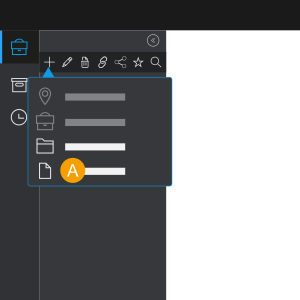
- You can recognize a file by the
 icon.
icon.
 Actions
General actions for files:
| Yes | No | |
|---|---|---|
| Edit | - | x |
| Delete | x | - |
| Download | x | - |
| Move | x | - |
| Share | - | x |
| Add comment | x | - |
| Add versions | x | - |
| Delete versions | x | - |
Which actions you can perform for files depends on your role in ePocket.
Note
- Files can only be moved within a documentation.
- Files can only be shared at the documentation level.
Versions
You can add versions of files in ePocket. The version history shows you an overview of all versions of a file.
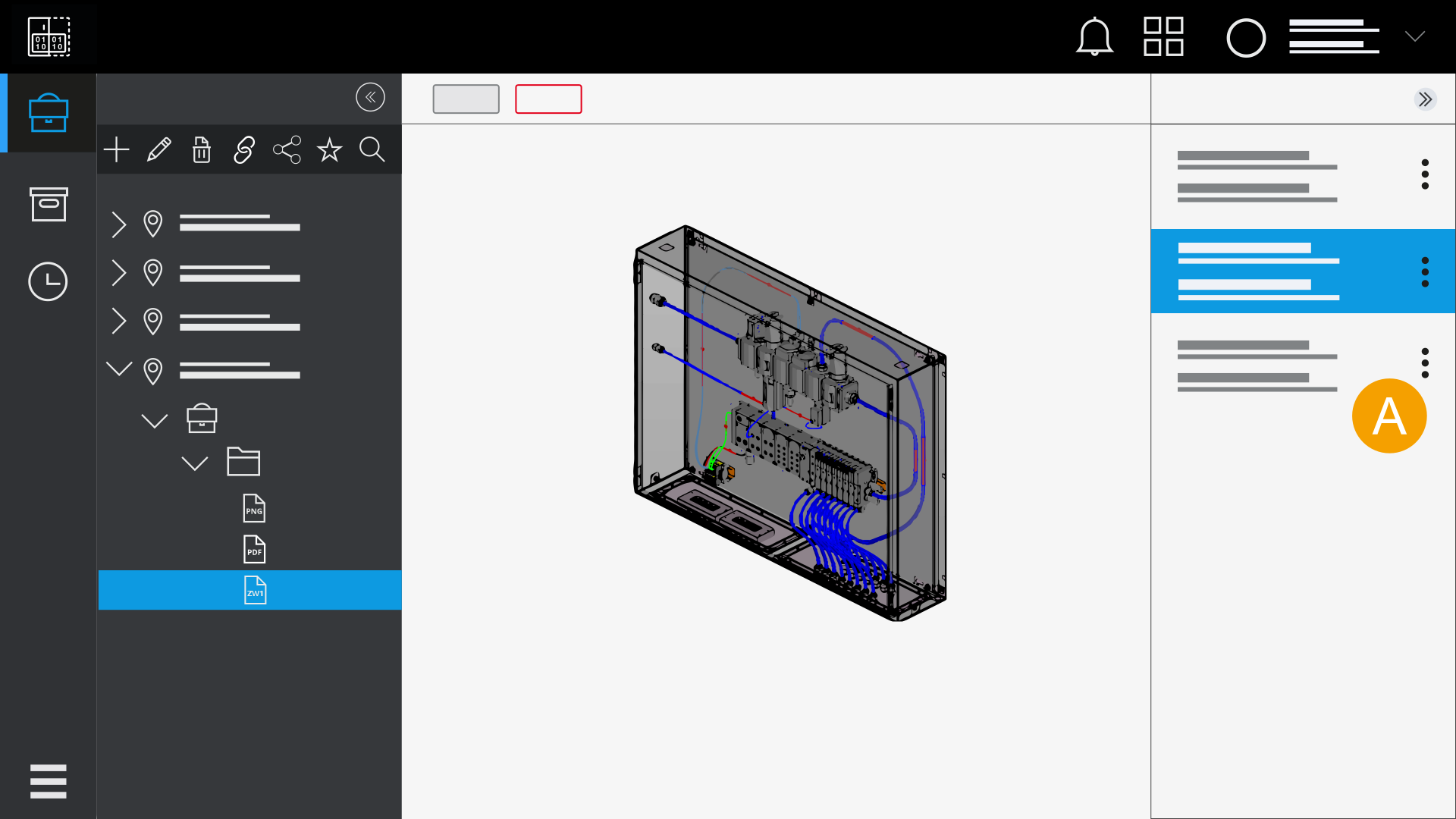
- Version history