Open eView
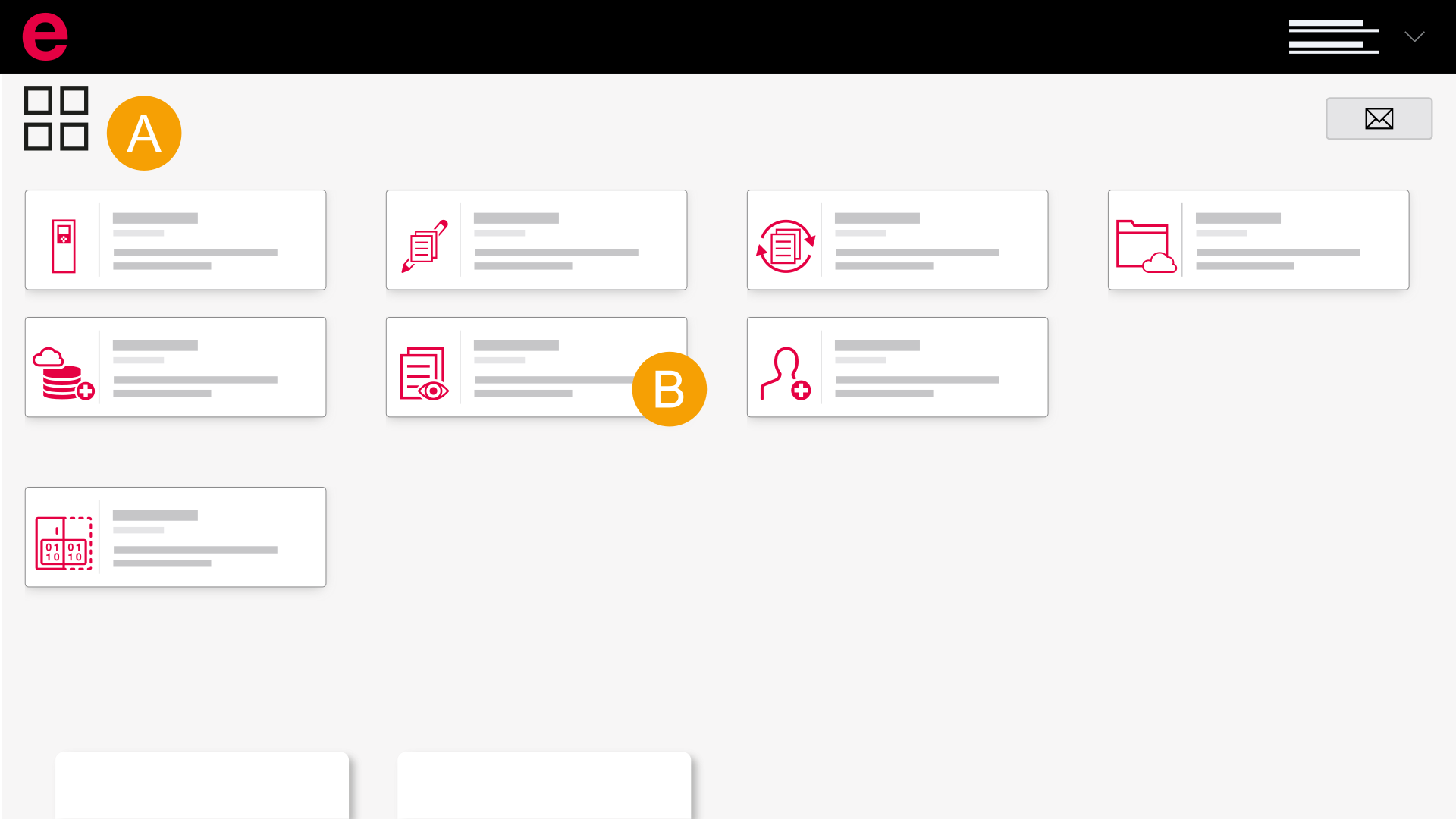
- Dashboard
- eView
- Use the browser or an installed Eplan solution to sign in to the Eplan Cloud. Information on this topic is available here.
- Select the desired organization.
- Click eView.
- eView opens.
The Eplan Cloud dashboard opens and all available Eplan Cloud products are shown.
Tip
To access eView faster, you can install eView on your desktop via the "Chrome" browser.
 In the installed Eplan solution
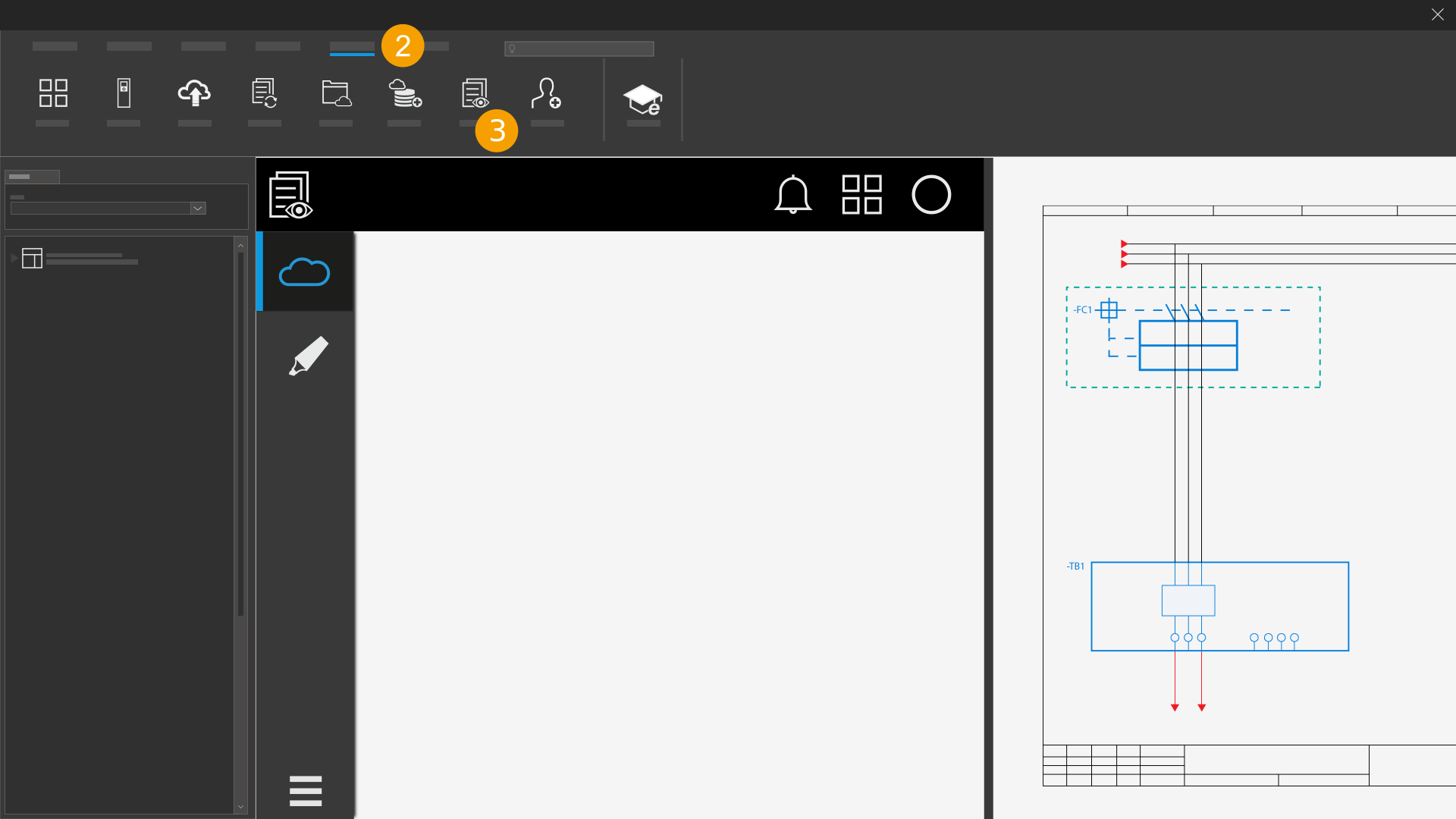
- Open the installed Eplan solution.
- Click the Eplan Cloud tab.
- Click eView.
eView opens.