Downloads: Basics
This functionality is only available in a company organization.
This area is only available to you in the browser.
You can download the latest Eplan solutions and updates in "Downloads".
User interface
 Latest release
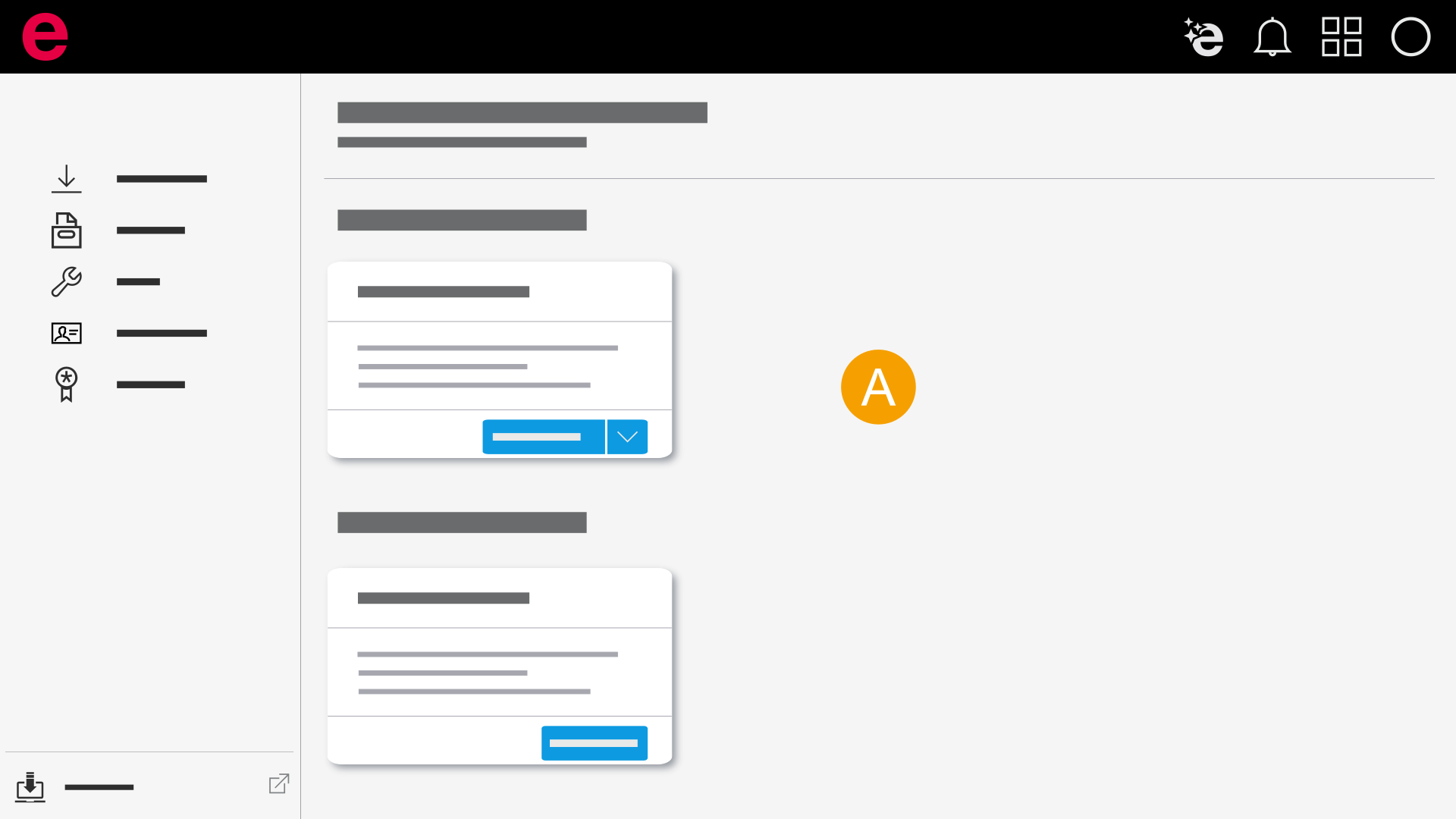
- Download the latest Eplan solutions and updates.
Tools
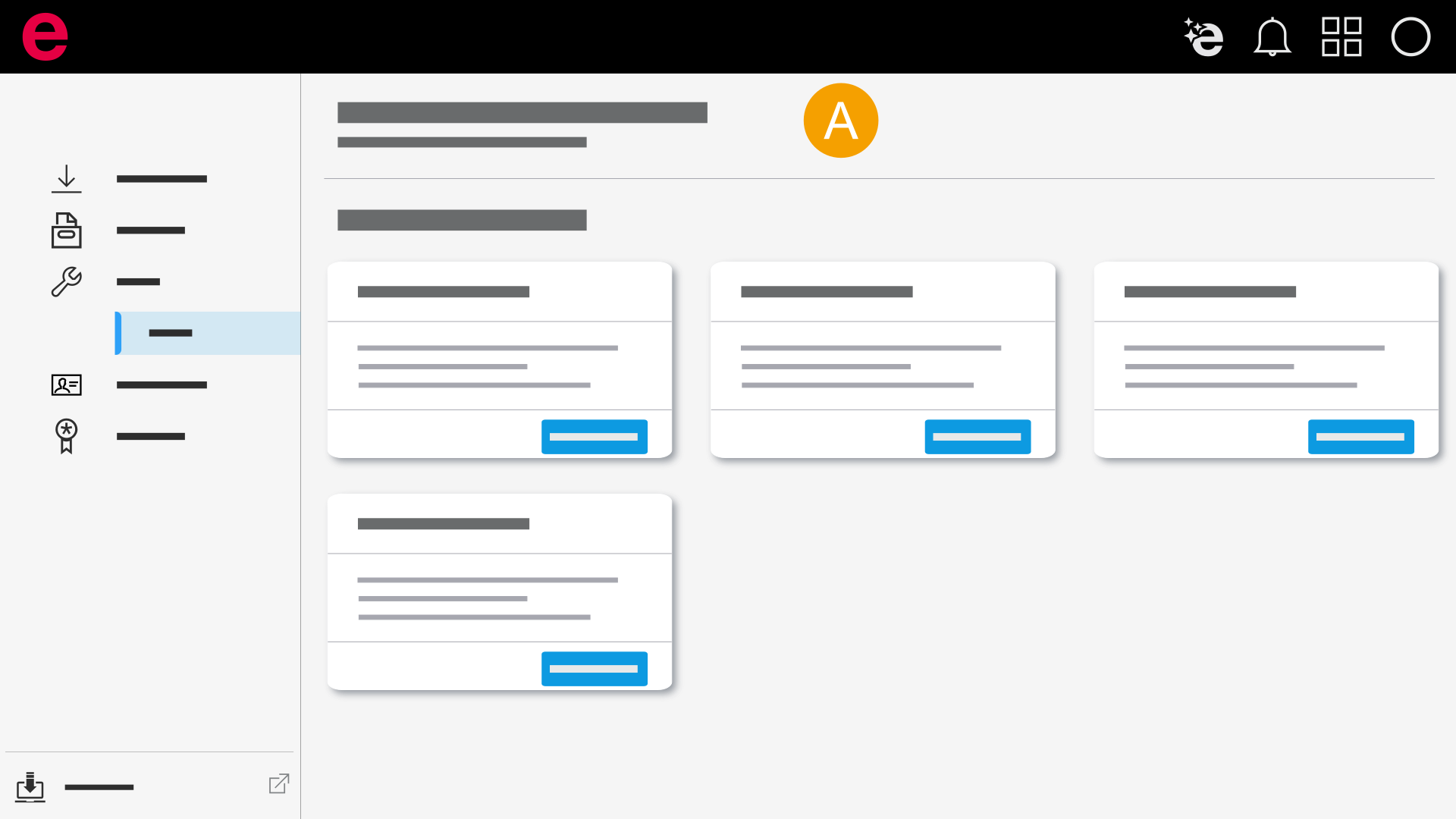
- Download tools that help you seamlessly integrate the Eplan solutions into your workflows.
Archive
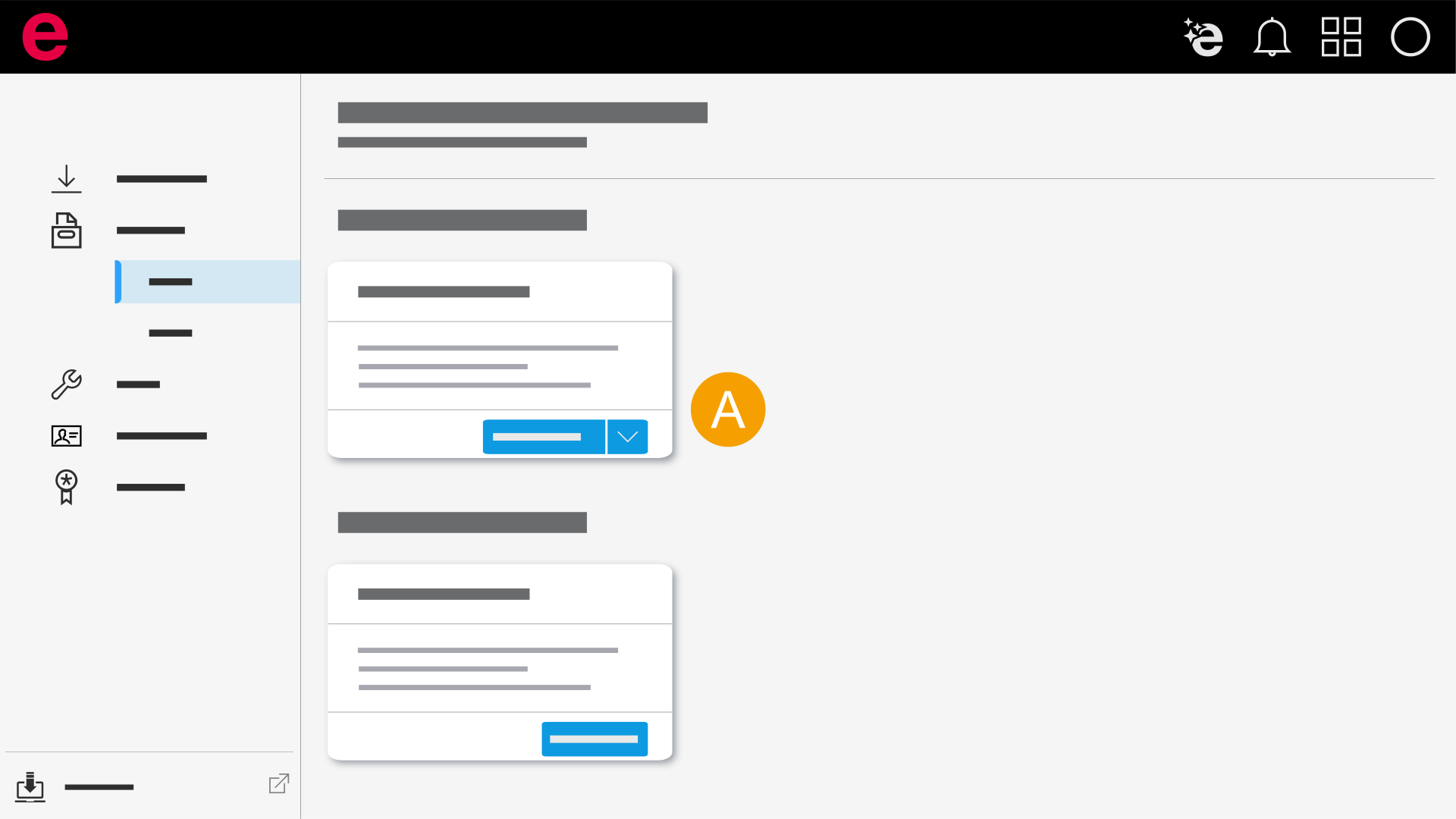
- Download the last three versions, updates or service packs.
Entitlement IDs
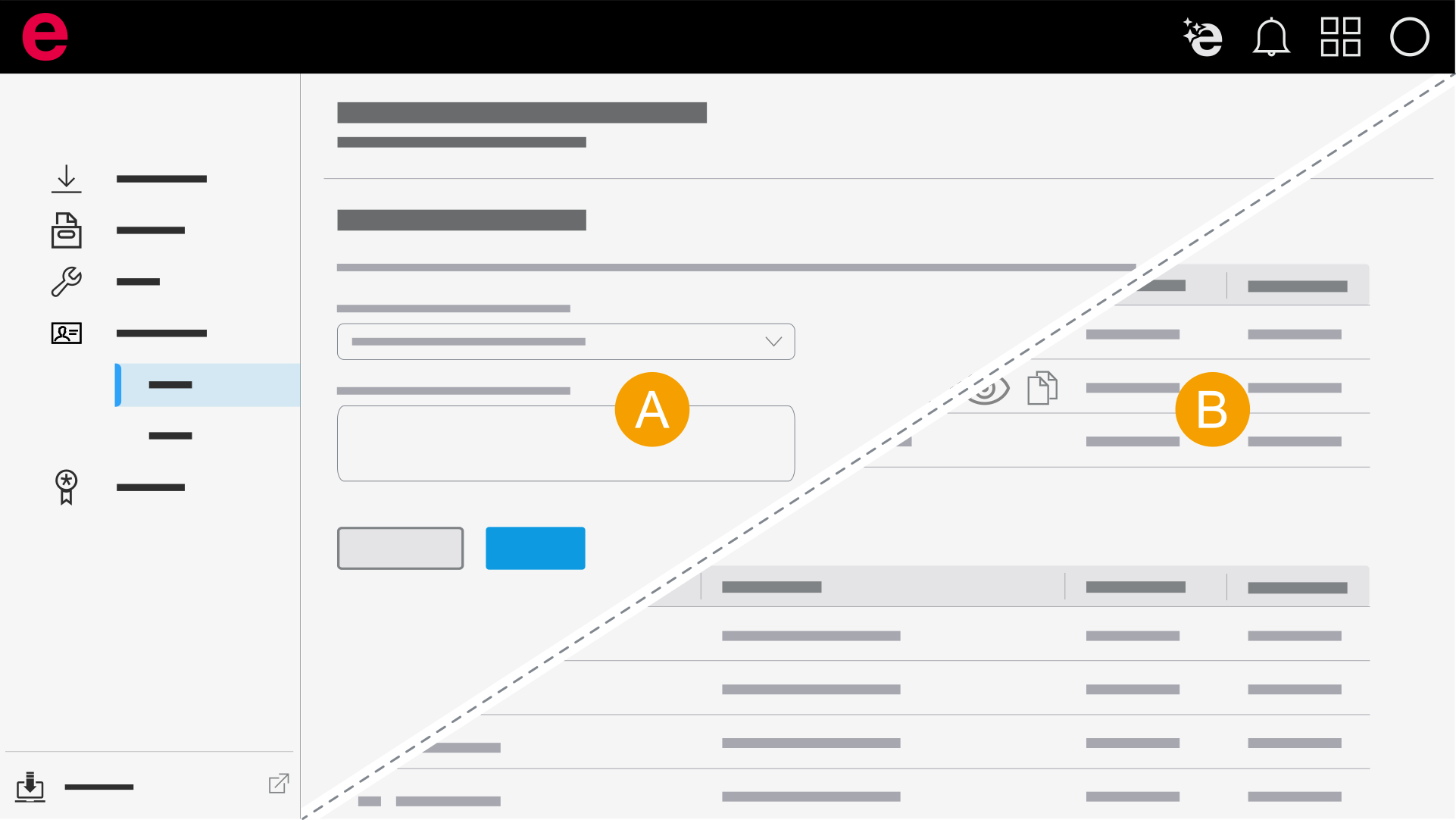
- User: Request Entitlement IDs from the Admin to activate your Eplan solutions.
- Admin: Keep an overview and manage the Entitlement IDs and serial numbers in your company organization.
Roles and functions for downloads
Refer to the table to see which roles can be assigned in the user management of the company organization for downloads and which functions are available to you with these roles.
| Area | Function | Admin | User |
|---|---|---|---|
| Downloads | Open Downloads | x | x |
| Latest releases | |||
| Download product (major version) | x | x | |
| Download update | x | x | |
| Archive | Download product (major version) | x | x |
| Tools | Download tool | x | x |
| Entitlement IDs | |||
| View "Single License" | x | - | |
| View "Concurrent License" | x | - | |
| Copy serial number | x | - | |
| Copy Entitlement ID | x | - | |
| Request Entitlement ID | - | x | |
| Update licenses | x | - | |