User interface
The user interface of the dashboard may look different for each user. The number and type of the products depend on your roles within the organization. The main administrator can use the user management to assign themselves and any other user roles for individual products at any time. The main administrator can also grant a user the ability to assign roles by assigning the "Manage" role to this user. How to assign roles is described Assign roles and licenses.
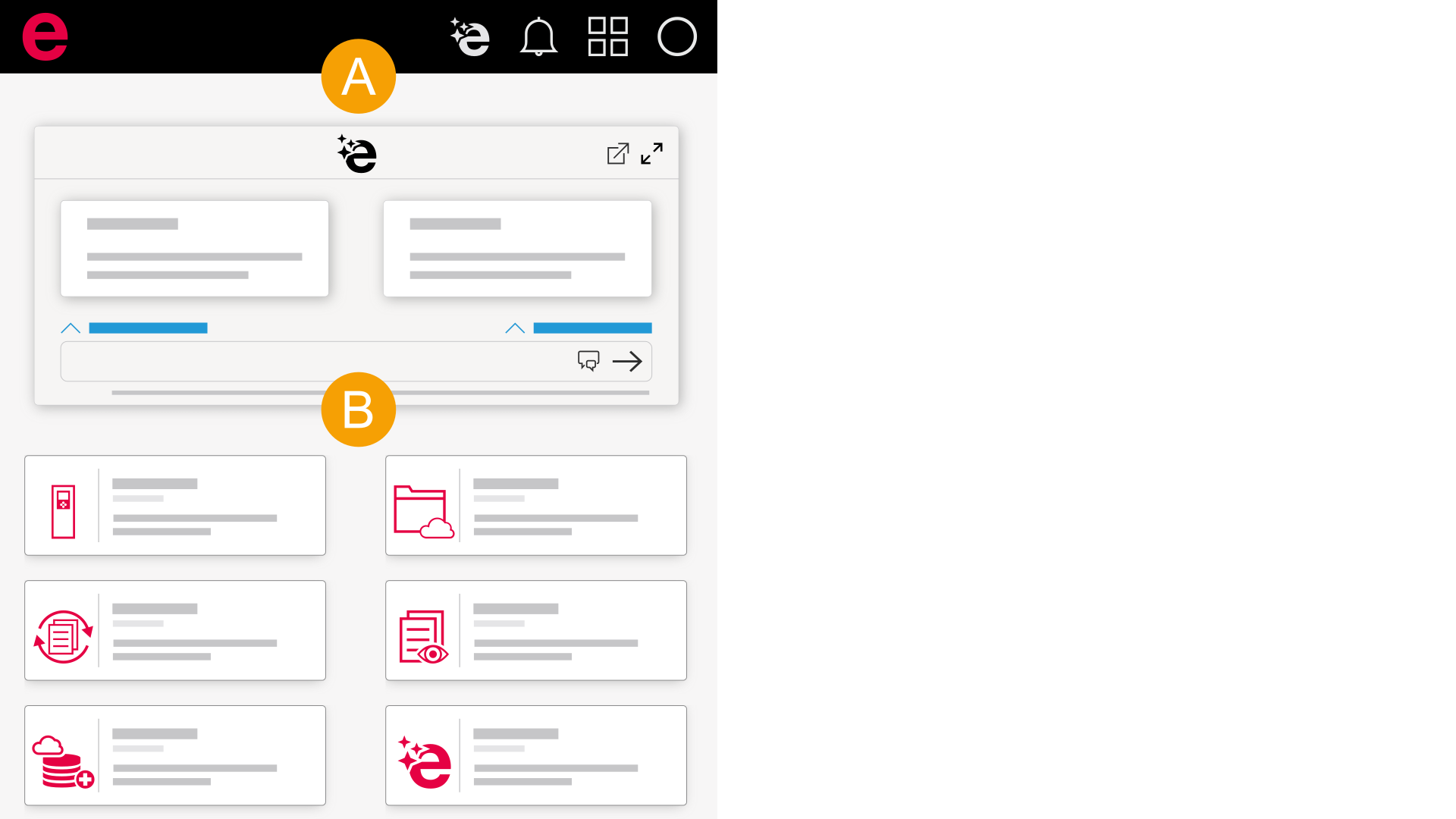
- Header
- Dashboard
Messages
If you perform an action in an Eplan Cloud product, messages in the user interface show you the status of this action:

- The action is performed.
- The action has performed successfully.
- The action has not been performed successfully.
In addition, you can track certain actions by clicking the  icon in the header to open the notifications.