Share a project with an internal user
You share your project, master data or files with a user in your company organization or organization.
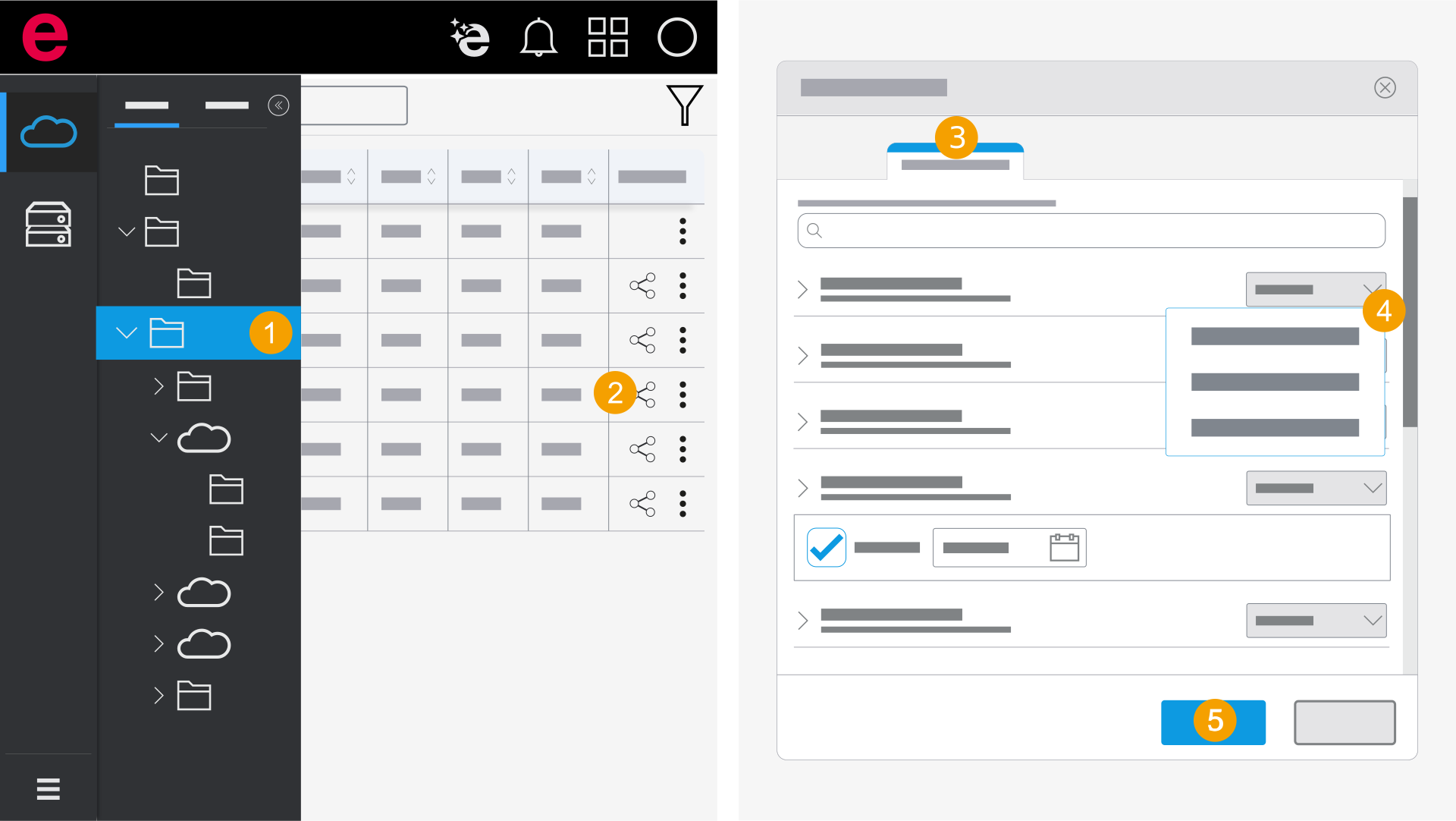
- Open the folder with the desired project.
- Click the
 icon next to the project in the Actions column.
 - Select the Internal users area.
- Click the drop-down list next to the desired user and select a permission.
- The administrator of the organization must invite the user to the organization. Further information is available here.
- Use the function to share with external users. Further information is available here.
- Click Apply.
- The project is shared with the user.
To find the team or user faster, you can enter the name of the team or user or the e-mail address of the user in the search field.
If you do not find the user, this person is not a member of the organization. You have the following options: