Delete project
A project deleted by you is also deleted for those with whom you have shared the project.
Note
If you delete a project in eManage, this is also deleted in eView!
 Prerequisites: Roles and permissions
Roles
| Area | Function | Admin | Designer | User | Guest |
|---|---|---|---|---|---|
| Projects | |||||
| Delete project | x | x |
Permissions
| Area | Function | Edit | Limited (Edit) | View |
|---|---|---|---|---|
| Projects | ||||
| Delete project | x |
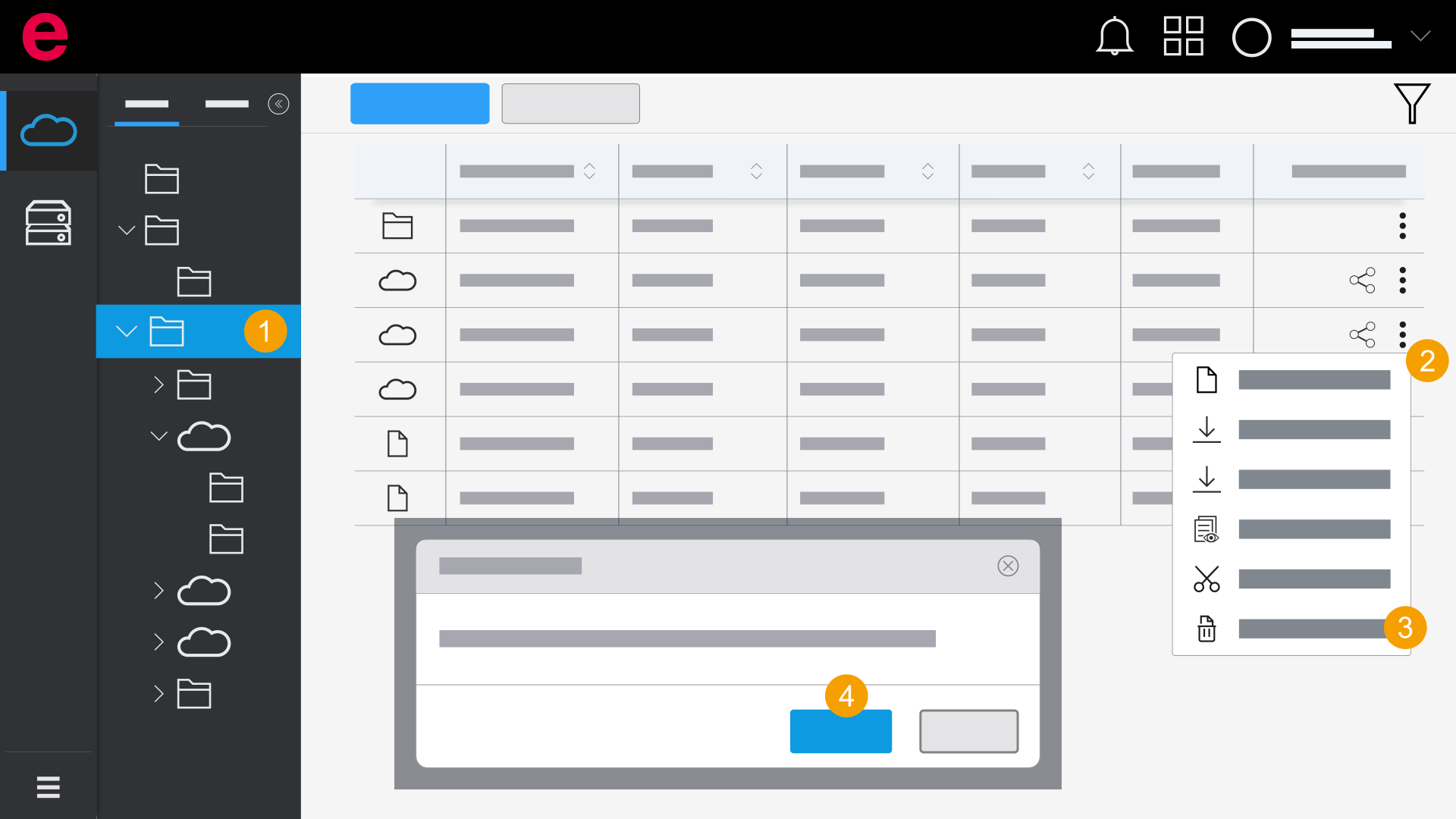
- eManage > Projects
- Open the folder with the desired project.
- Click the
 icon.
icon. - Click
 Delete.
 - Click Yes.
- The project is deleted.
The Delete dialog opens.