Publish a project to eView and open it
To open a project from eManage in eView you first have to publish the project. After that you can open the project in eView and use its functions.
 Prerequisites: Roles and permissions
Roles
| Area | Function | Admin | Designer | User | Guest |
|---|---|---|---|---|---|
| Projects | |||||
| Publish a project in eView | x | x | |||
| Open a project in eView | x | x | x | x |
Permissions
| Area | Function | Edit | Limited (Edit) | View |
|---|---|---|---|---|
| Projects | ||||
| Publish a project in eView | x | |||
| Open a project in eView | x |
Publish a project in eView
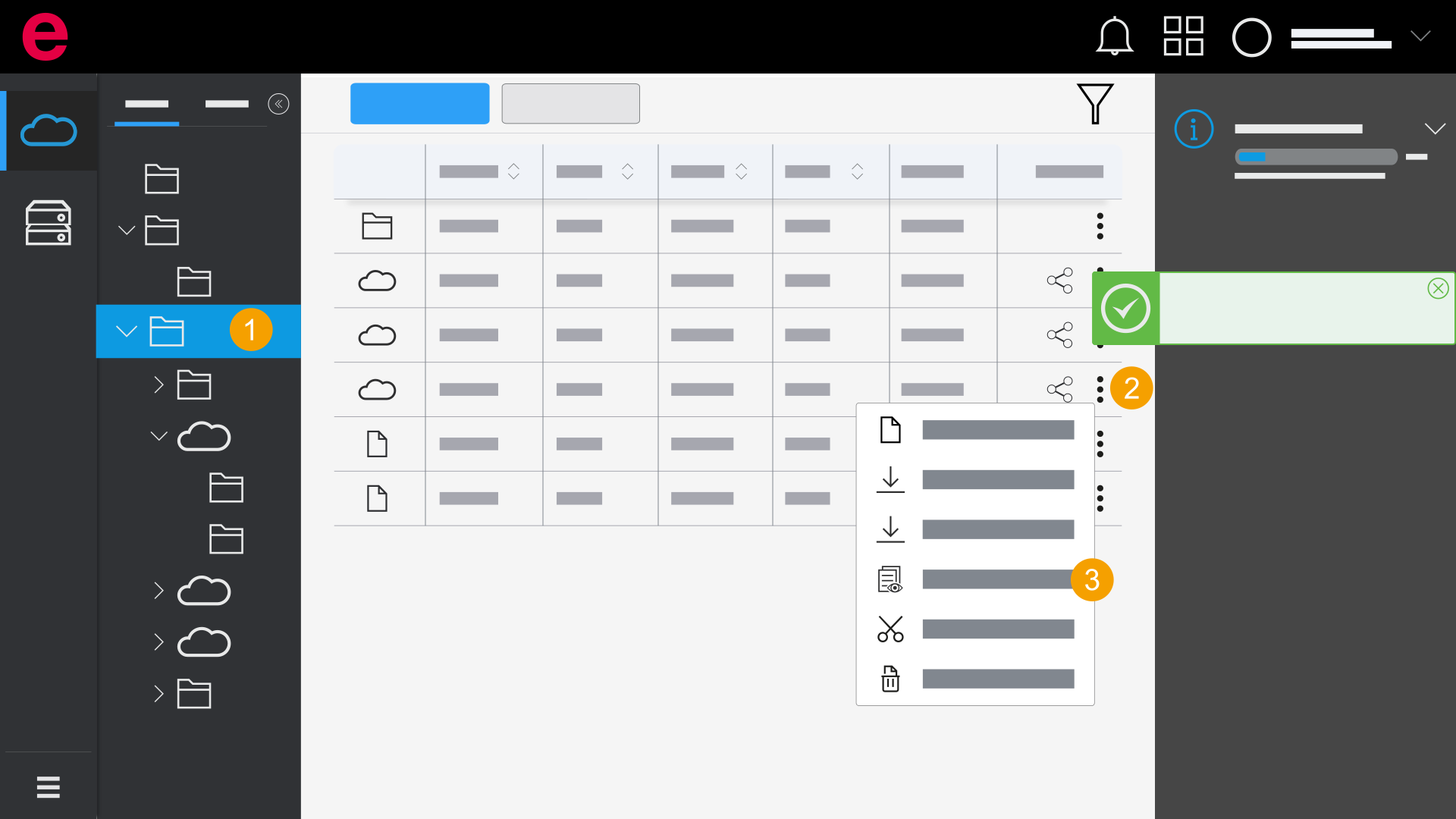
- eManage > Projects
- Open the folder with the desired project.
- Click the
 icon at the project.
 - Click
 Publish to eView.
 - The project is published. You see the publication status by clicking the
 icon.
icon.
Open a project in eView
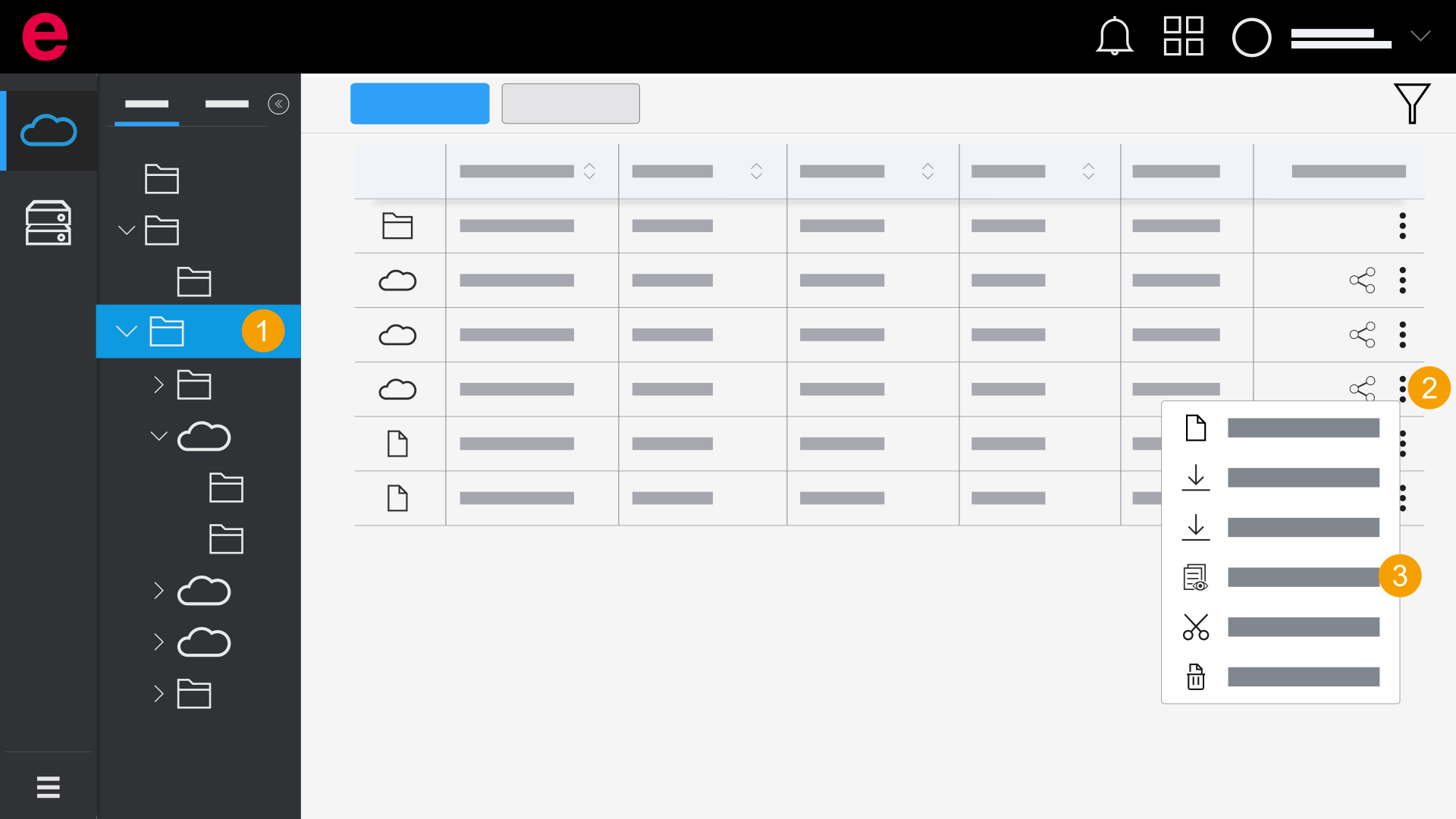
- eManage > Projects
- Open the folder with the desired project.
- Click the icon at the project.
- Click Open in eView.
- The project opens in eView.