Product change notification: Change status
The status of a product change notification is a personal setting, so changes to the status are only visible to you.
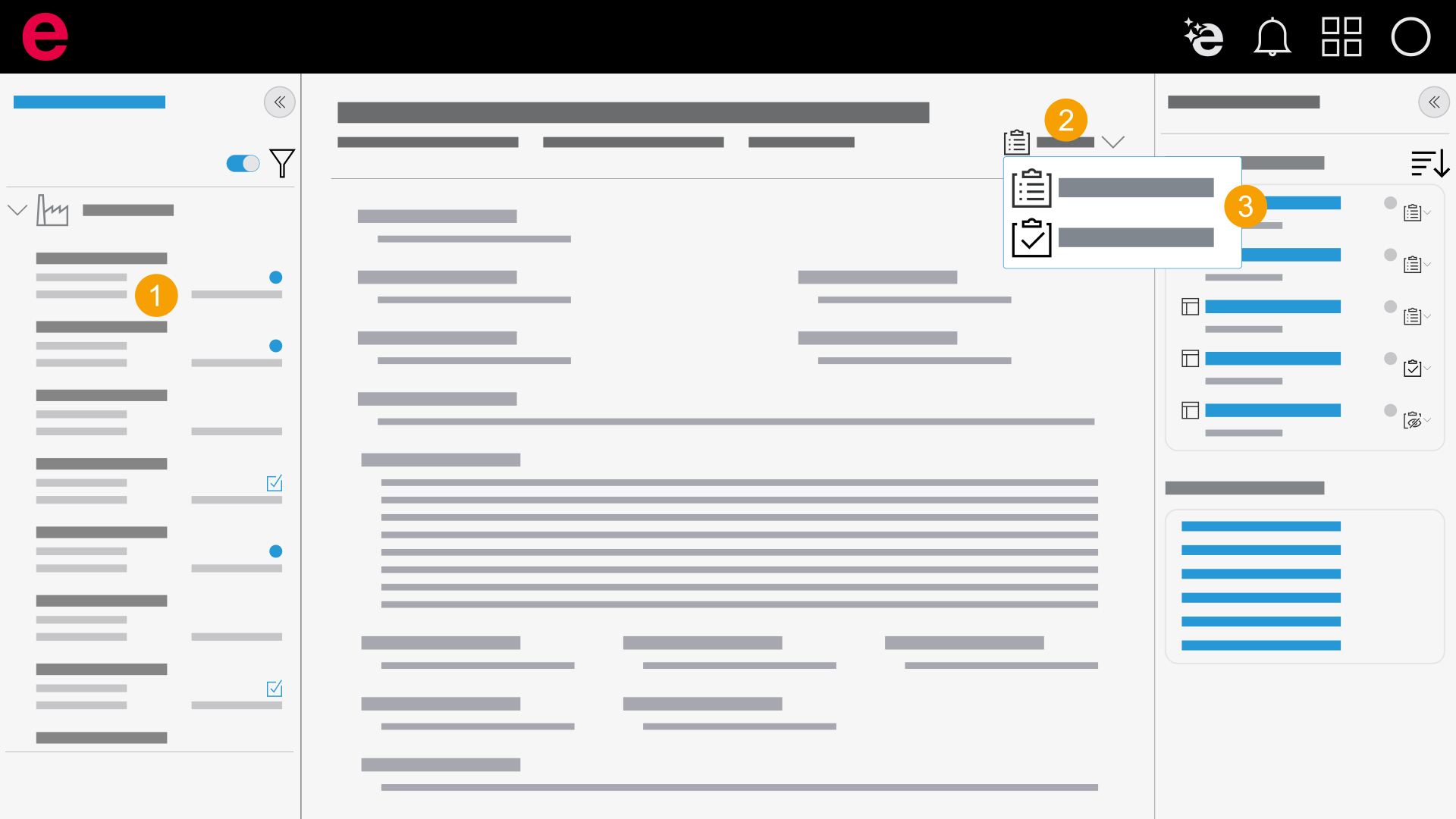
- Select a product change notification.
- Click the status icon.
- Select the status:
- The status is changed.
 Open: The product change notification is new, not yet edited, affected items are still open or you have not changed the status yet.
 Closed: You have edited and closed all affected elements that are relevant for you. The product change notification is displayed as Closed in the Inbox section and is taken into account accordingly during filtering.
You can reset the status at any time.